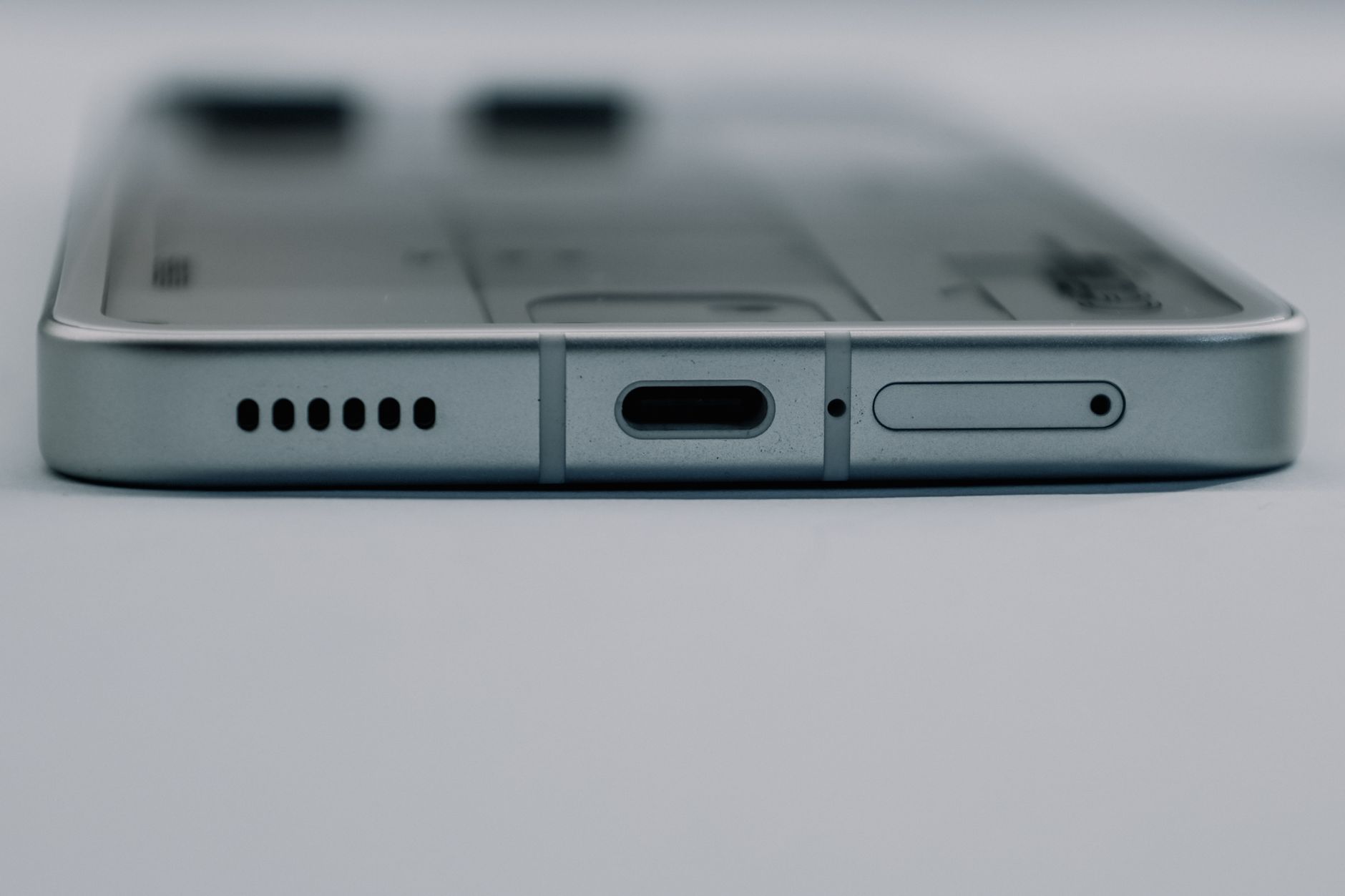
To clean a phone charging port, inspect it first and remove lint gently without pushing debris deeper into the device.
Updated August 12, 2026, after a fresh review, with updated visuals and links.
Pocket lint can prevent a cable from seating fully, but metal tools and liquid can damage small contacts.
What You Need
- A bright flashlight
- A wooden toothpick or plastic pick
- A soft dry brush
- A clean table
Step 1: Power Down
Turn the phone off and remove the charging cable. Work in good light so you can see the port instead of guessing.
Step 2: Loosen Debris
Use the tip of a wooden or plastic pick along the sides of the port. Lift lint outward rather than scraping across the contacts.
Step 3: Brush Lightly
Use a soft dry brush to remove loose particles. Hold the phone so debris falls out instead of deeper inside.
Step 4: Test Carefully
Check that the port looks clear, then connect a known-good cable. Stop if the connection remains loose or the phone becomes hot.
What to Avoid
- Cleaning while powered: A short or accidental contact can damage the device.
- Forcing the pick: Small contacts can bend.
- Blaming the port immediately: A damaged cable or charger may be the real problem.
Final Thoughts
A dry inspection and gentle outward strokes can clear common charging-port lint. Seek repair help when the port is bent, corroded, or still unreliable.
