Ads block

Showing posts with label Productivity. Show all posts
Showing posts with label Productivity. Show all posts
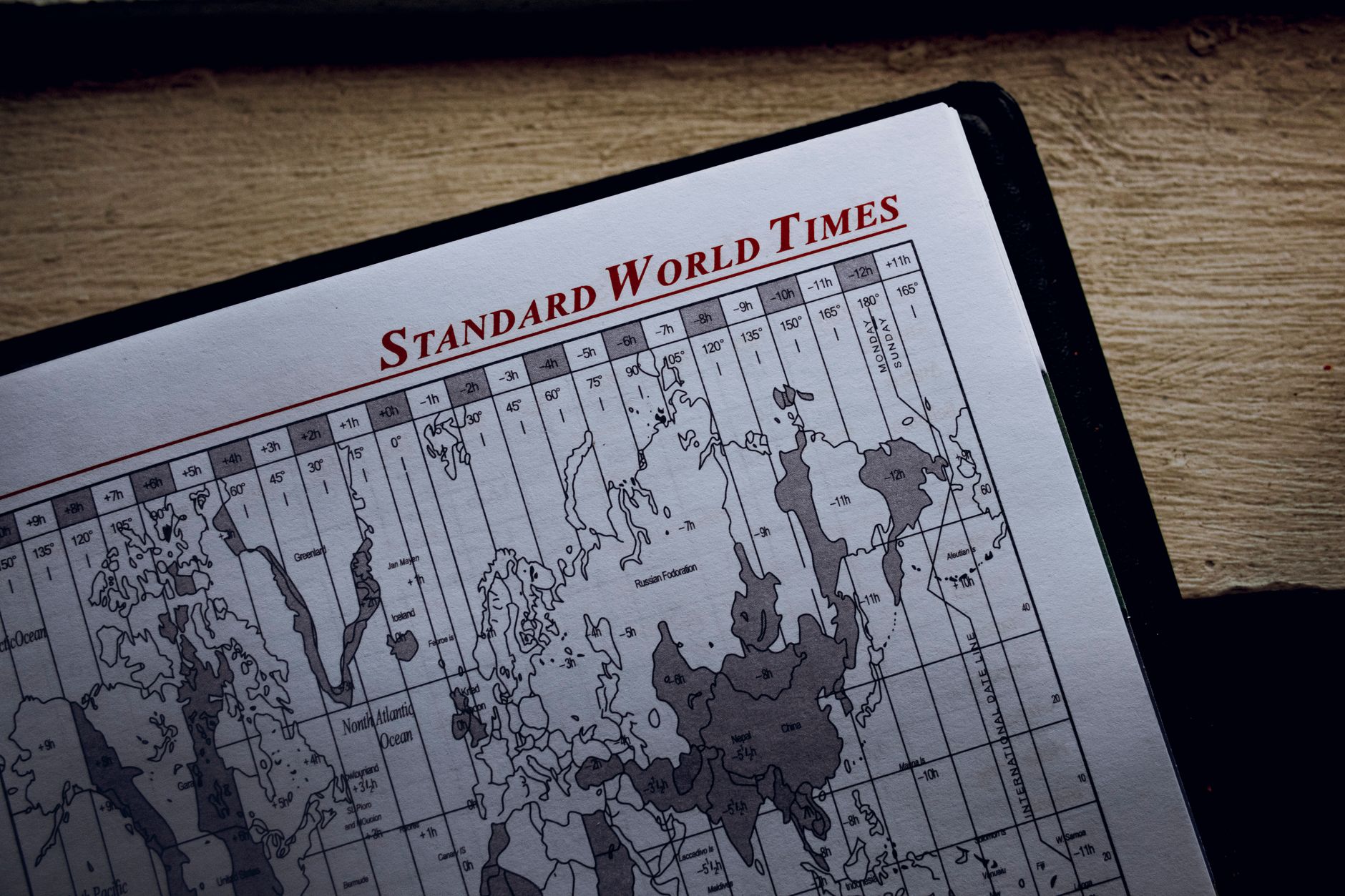

Pomodoro sessions, cooking, presentations, workouts: sometimes you just need a countdown with an alarm, without installing anything or creating an account. …
Read more »
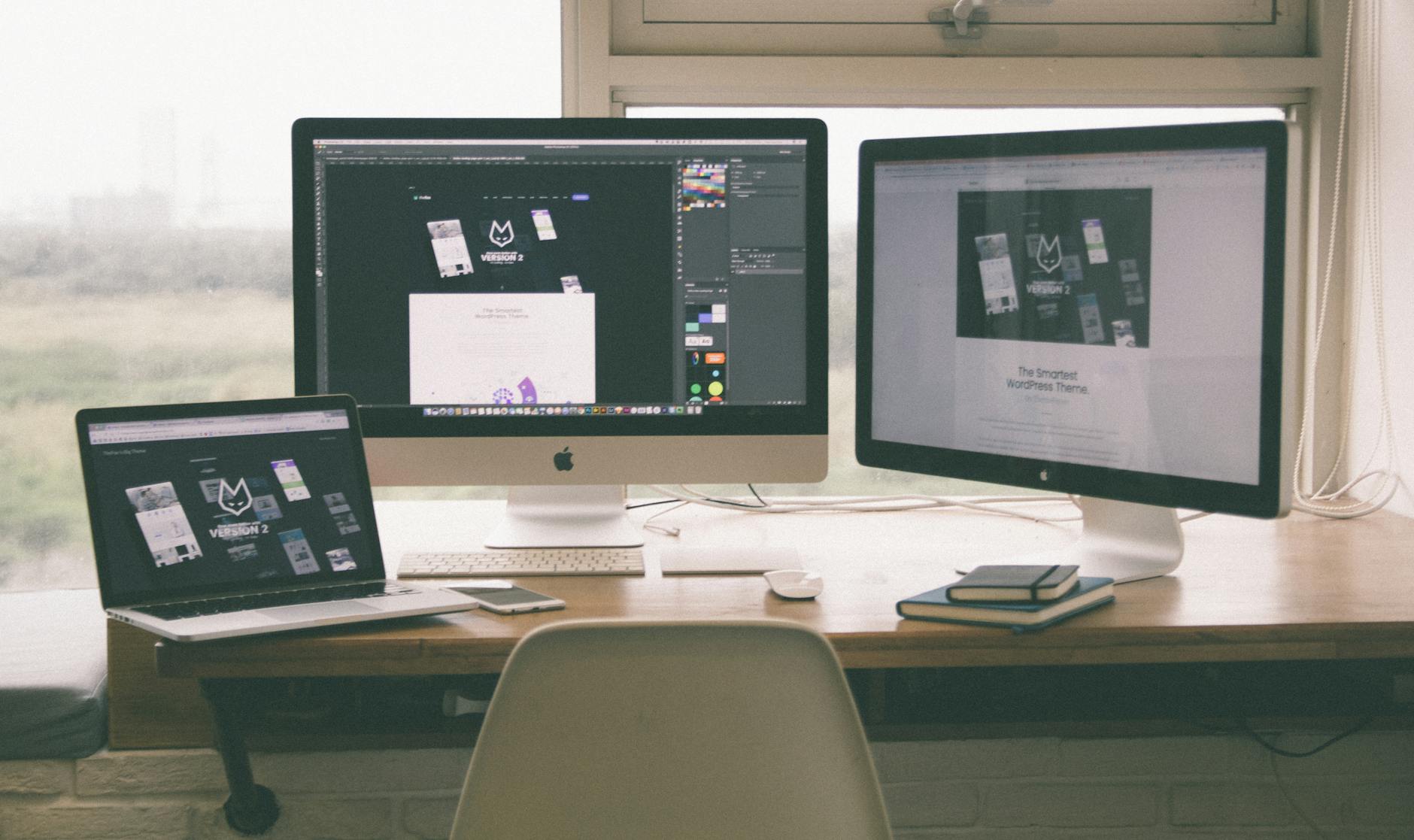
Windows 11 hides one of its best features behind a taskbar icon most people never click: virtual desktops give you separate screens for separate lives, work he…
Read more »

Google Forms is free, fast, and everywhere, which is exactly why most forms look identical and half-made. Ten extra minutes turns the purple default into somet…
Read more »

The flight WiFi is fake, the cabin opens in thirty minutes, and your proposal lives in Google Docs. Two minutes of setup before takeoff would have saved the pr…
Read more »
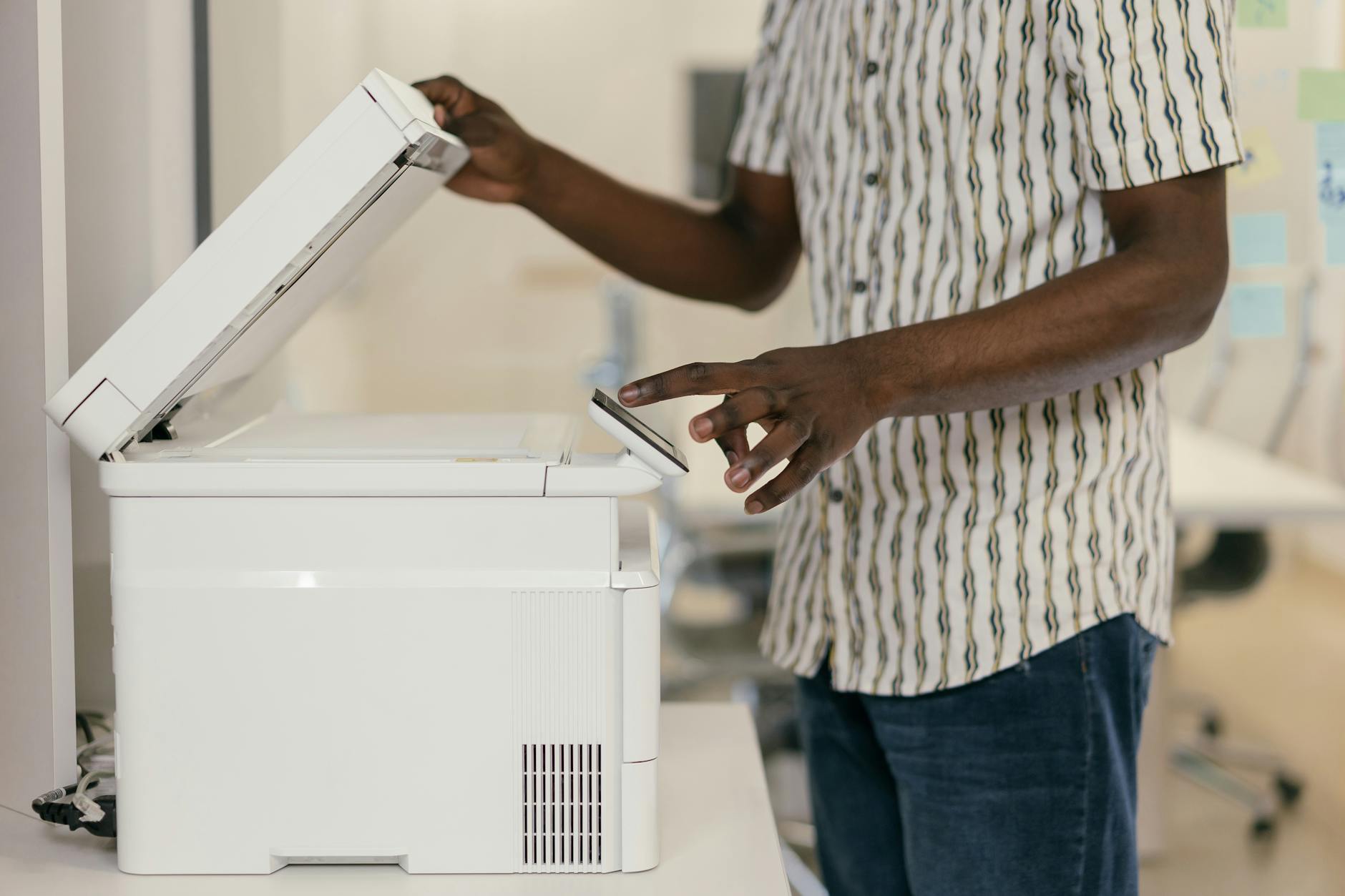
The drawer of warranties, the folder of receipts, the envelope of tax papers: paper accumulates precisely when finding any piece of it would take a Saturday. G…
Read more »

Voice Memos is the most underrated app on the iPhone: broadcast-quality recording in your pocket, and current iOS versions transcribe every memo automatically …
Read more »

The average computer user clicks for things the keyboard completes in a blink. The beautiful secret: most shortcuts survived across operating systems and decad…
Read more »

Do Not Disturb grew into Focus modes, and Focus modes are quietly the best mental-health feature on the iPhone: work mode that hides social apps, sleep mode th…
Read more »

Somewhere between 'I'll read this later' and 'don't close anything' lives the hundred-tab browser: slow, chaotic, and secretly terrifyi…
Read more »
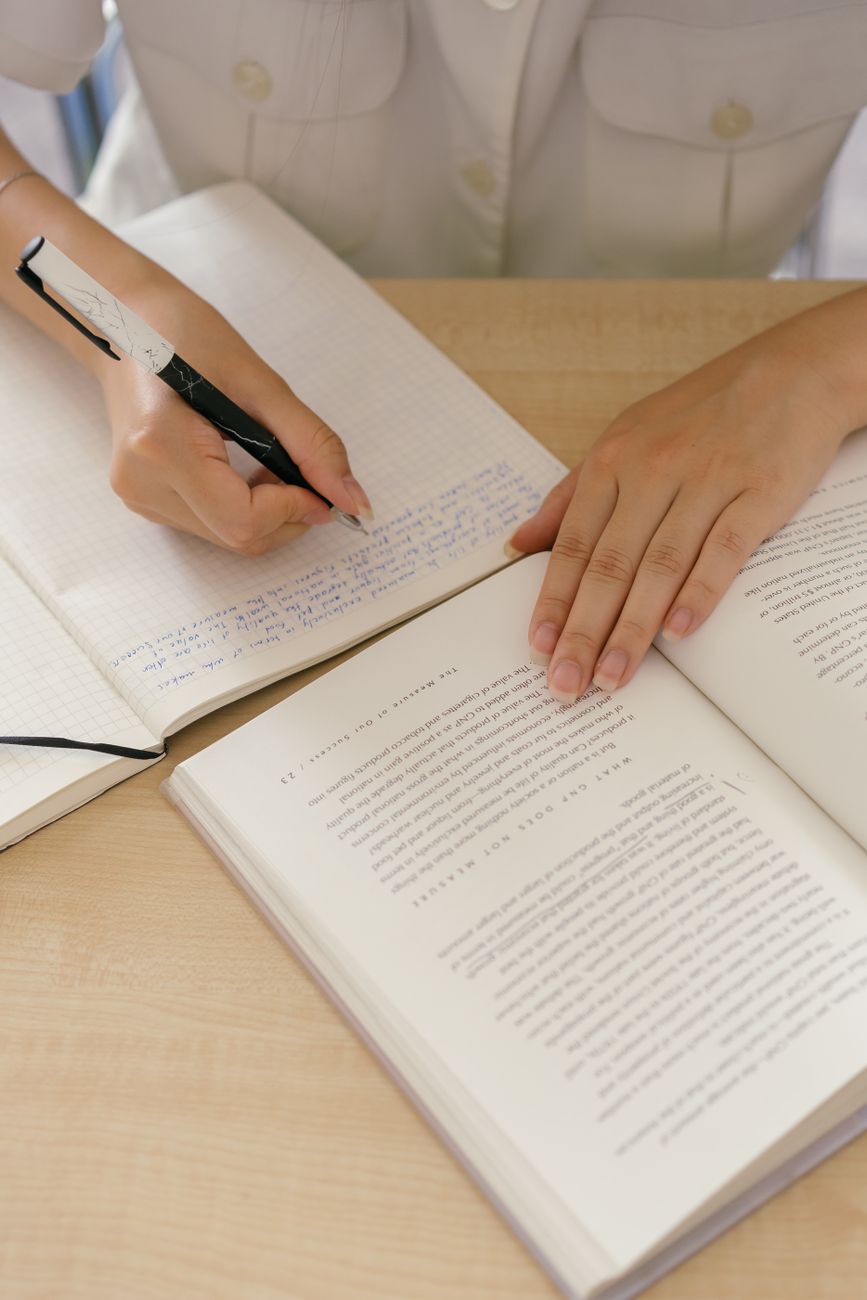
Photo by Mikhail Nilov on Pexels. To take useful notes from a nonfiction book, record ideas you can explain or use rather than copying every interesting sente…
Read more »
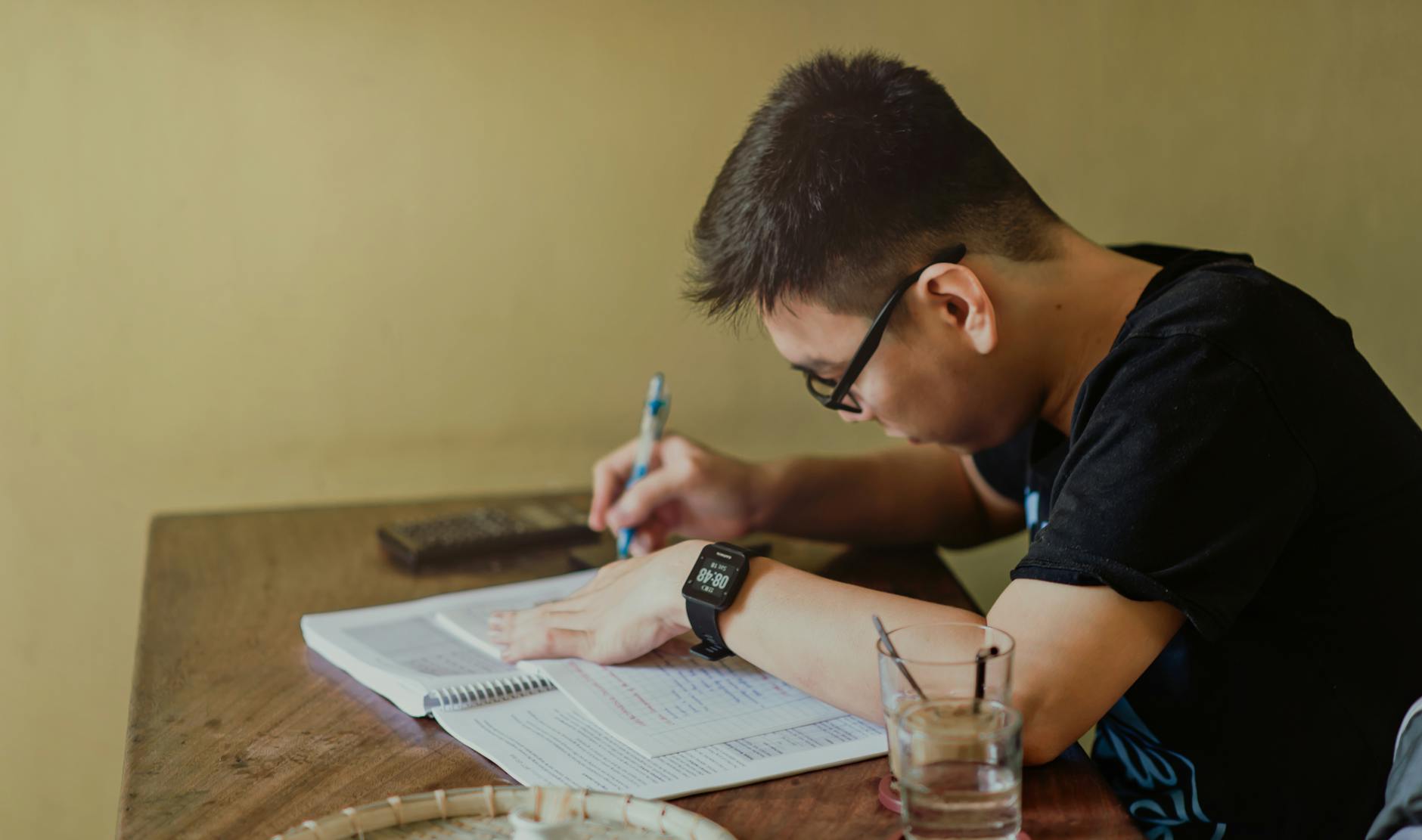
Photo by Min An on Pexels. To use spaced repetition, review information just before you are likely to forget it and make yourself recall the answer. Updated …
Read more »
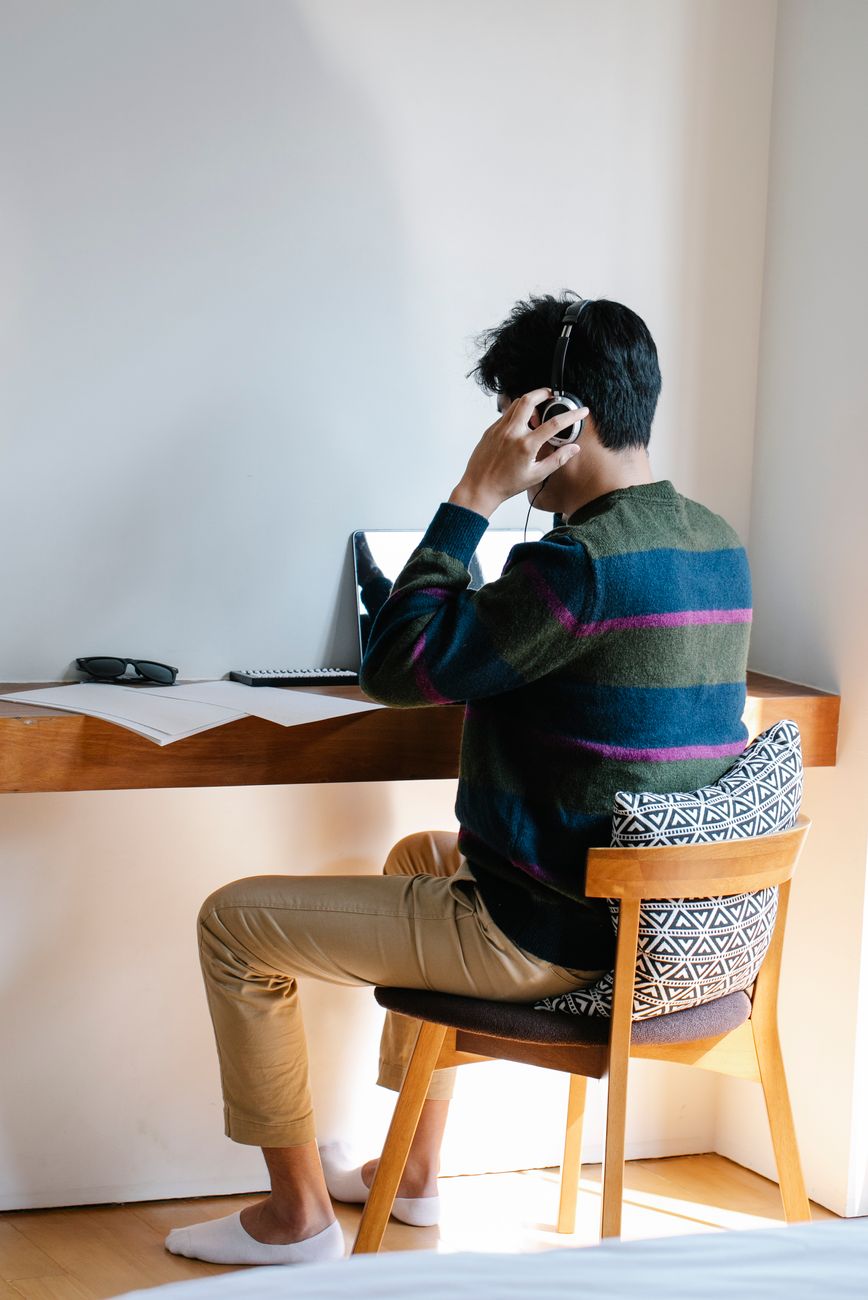
Photo by Eren Li on Pexels. To focus at home when every room is noisy, reduce the biggest distractions first and make the work period visible to other people.…
Read more »
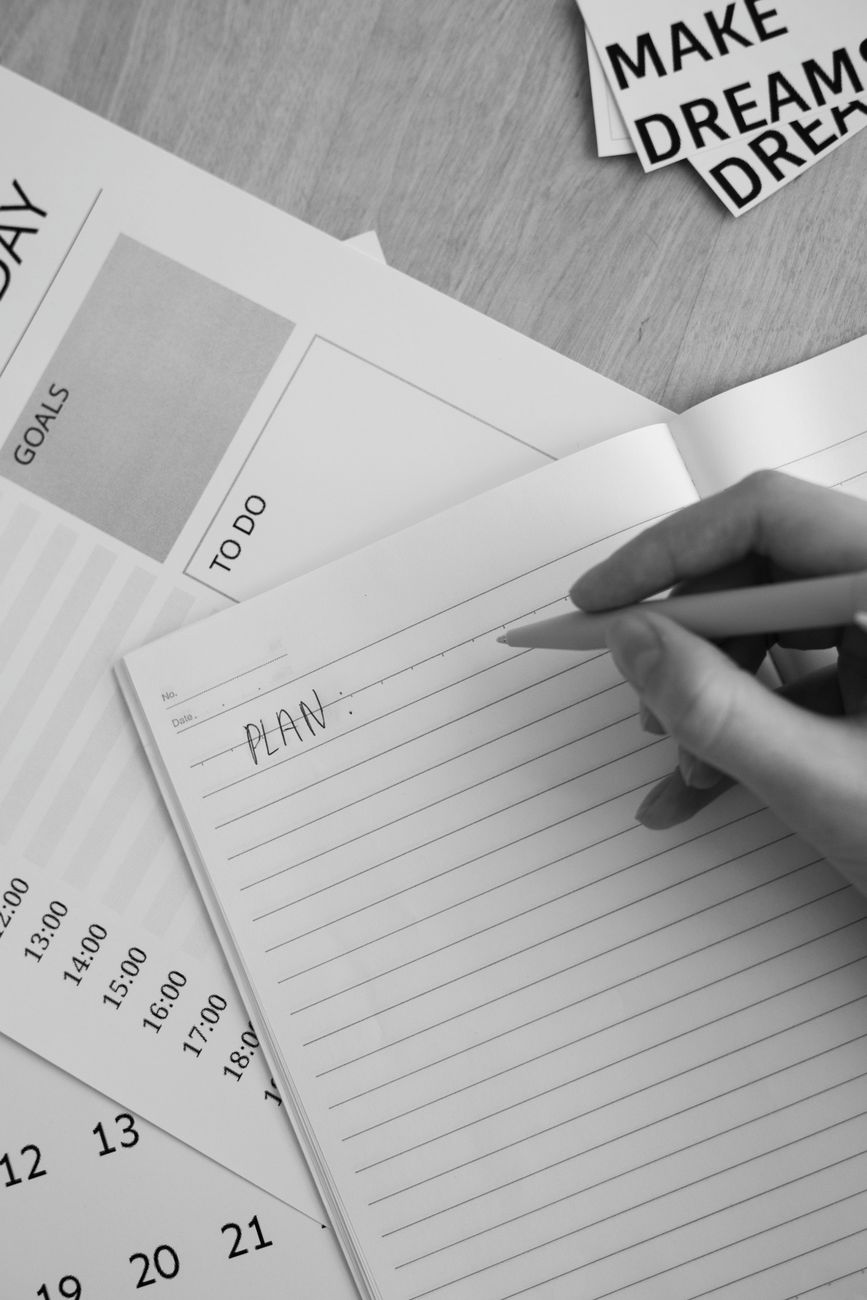
Photo by Hanna Pad on Pexels. To make a better to-do list, write actions you can start rather than large goals that stay vague. Updated August 12, 2026, afte…
Read more »
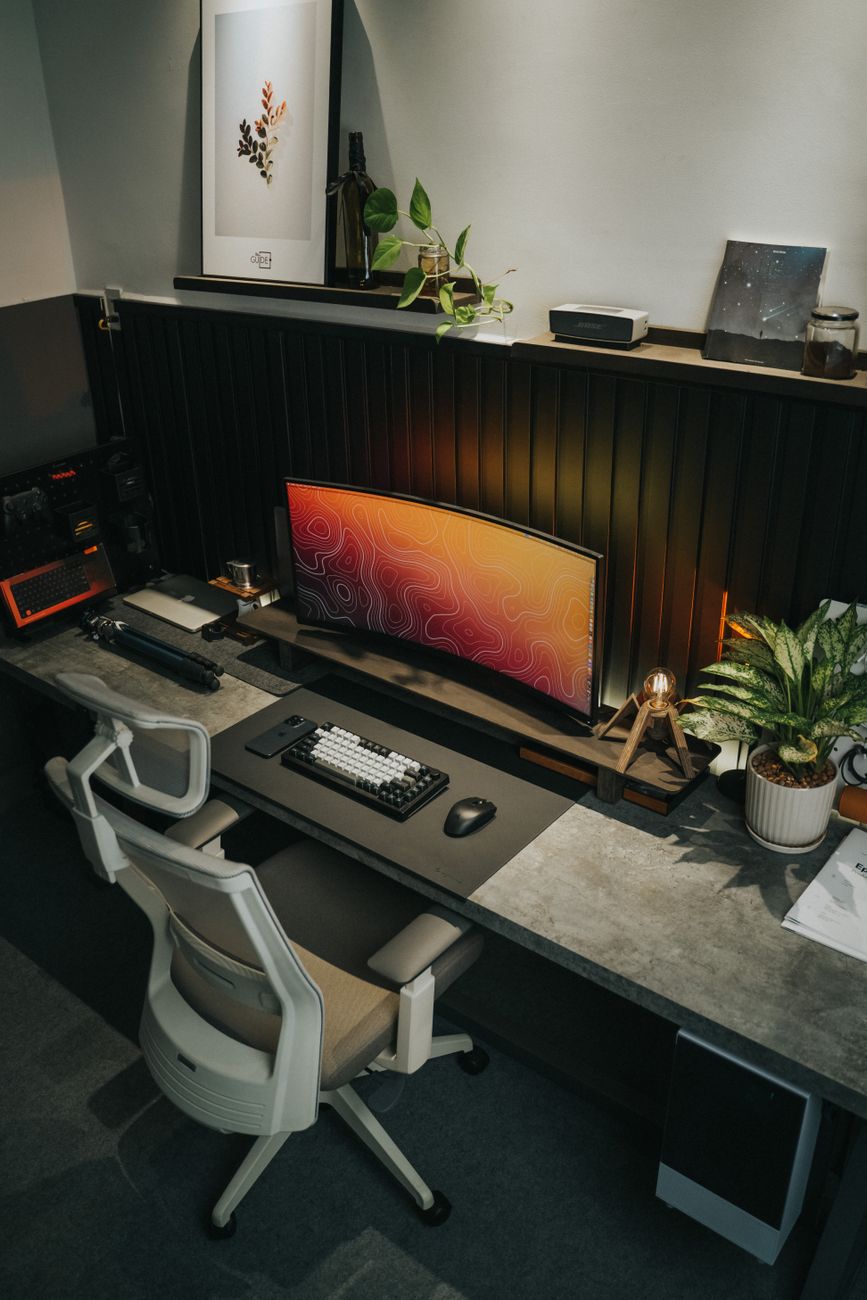
Photo by Minh Phuc on Pexels. To set up a desk for better posture, adjust the screen, chair, keyboard, and light together rather than changing only one item. …
Read more »
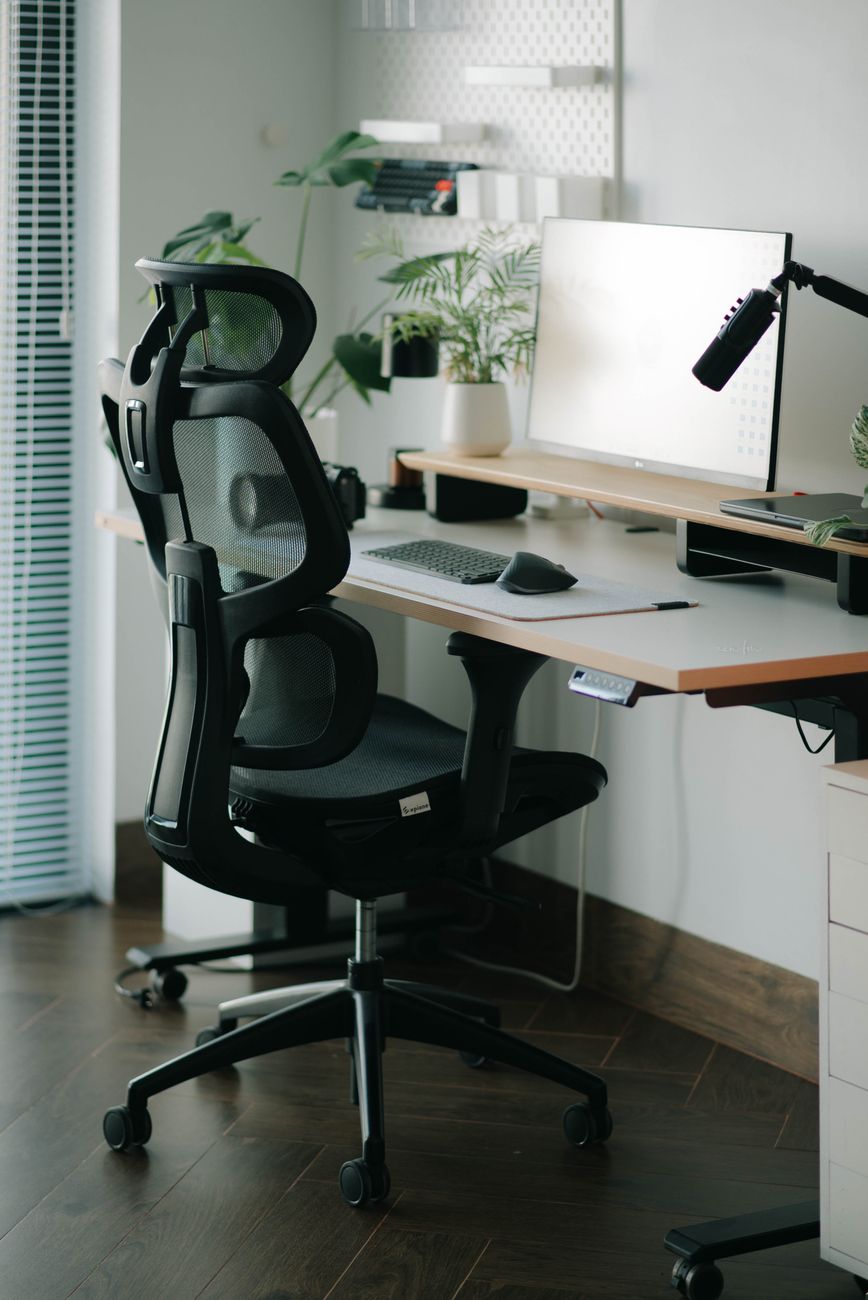
Photo by Alpha En on Pexels. To choose a comfortable office chair, look for adjustability and a fit that supports your body rather than judging the chair by a…
Read more »

Photo by Christina Morillo on Pexels. To use browser keyboard shortcuts effectively, learn a small group that solves tasks you repeat every day. Updated Augu…
Read more »
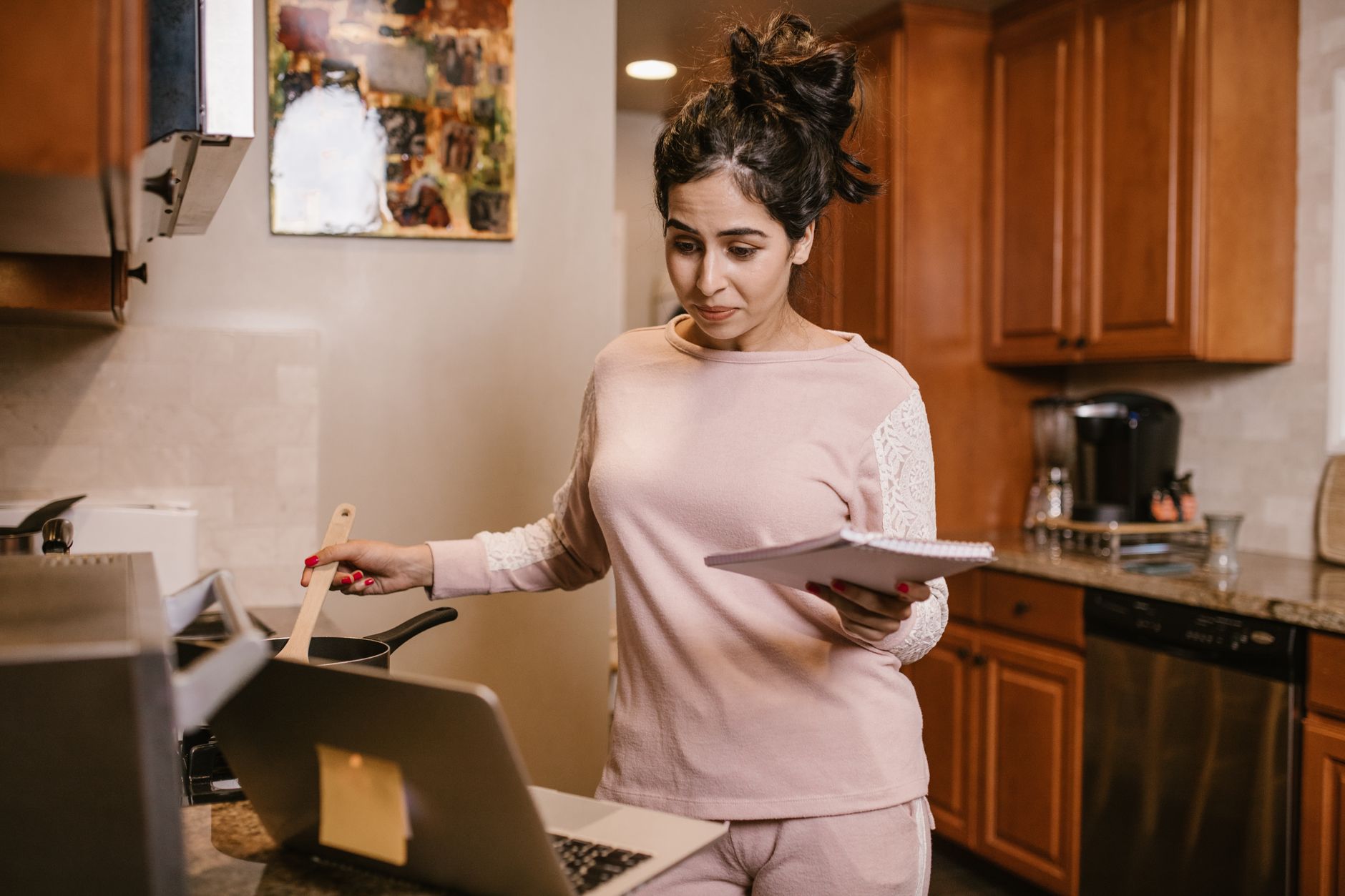
Photo by RDNE Stock project on Pexels. To make a simple household chore schedule, list the work that must happen and divide it by frequency before assigning n…
Read more »
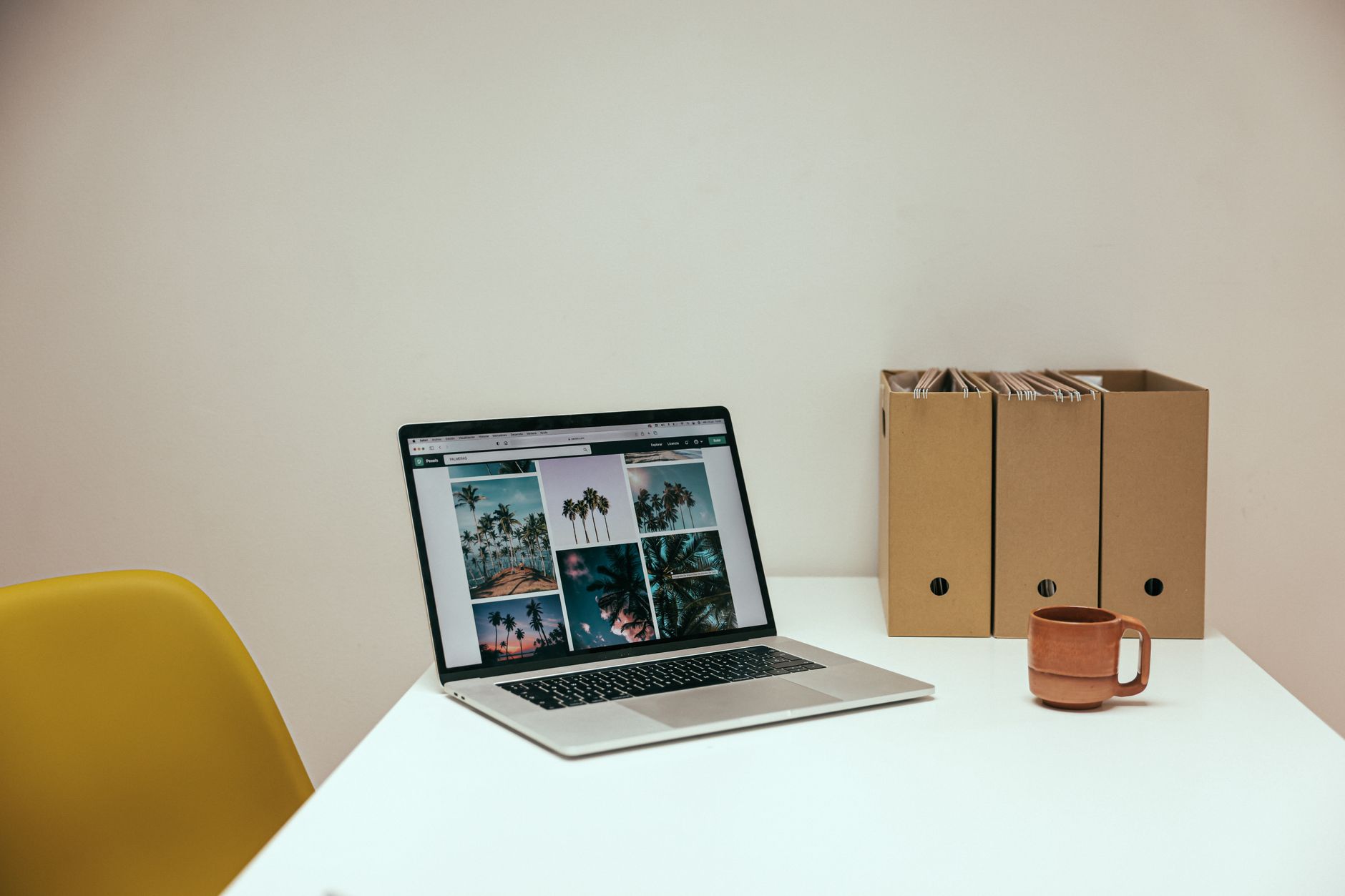
Photo by Cup of Couple on Pexels. To create a digital file naming system, choose a format you can understand months later without opening every file. Updated…
Read more »
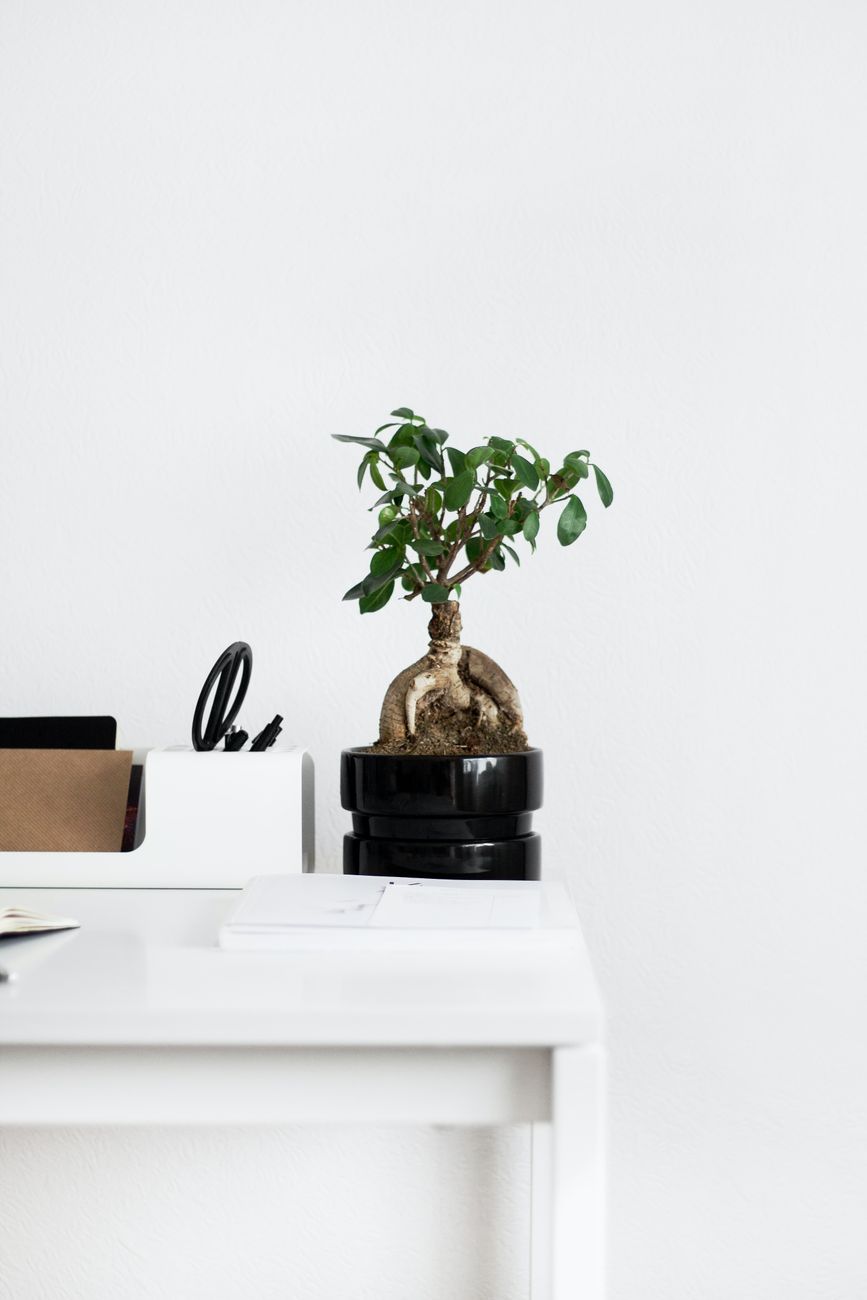
Photo by Sarah Dorweiler on Pexels. To organize a small desk, keep only daily tools within reach and give everything else a clear home. Updated August 12, 20…
Read more »
