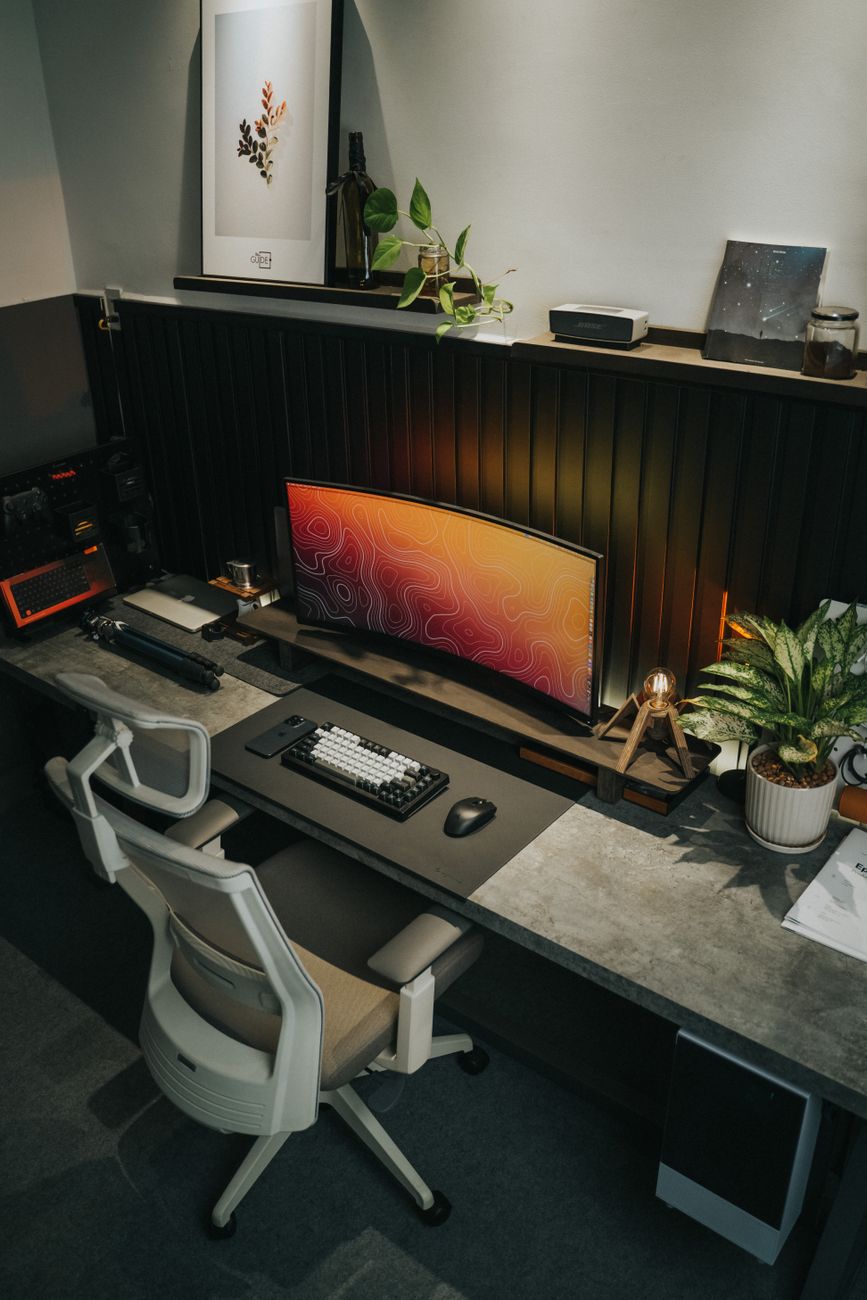
To set up a desk for better posture, adjust the screen, chair, keyboard, and light together rather than changing only one item.
Updated August 12, 2026, after a fresh review, with updated visuals and links.
A good setup reduces strain, but no position should be held without movement for hours at a time.
What You Need
- A stable chair
- A monitor or laptop stand
- A keyboard and mouse
- A desk lamp or window light
- A small timer
Step 1: Position the Chair
Set the height so your feet are supported and your shoulders can relax. Keep the chair close enough that you do not lean forward to reach the desk.
Step 2: Raise the Screen
Place the top of the monitor near eye level and keep it far enough away that you do not lean toward it. A laptop may need a separate keyboard.
Step 3: Place Input Devices
Keep the keyboard close and the mouse at the same height. Let your elbows rest comfortably instead of reaching forward.
Step 4: Add Light and Movement
Place light to the side of the screen to reduce glare. Stand, stretch, or walk briefly during natural pauses.
What to Avoid
- Looking down at a laptop: The neck bends for long periods.
- Reaching for the mouse: The shoulder stays tense.
- Working in glare: Eyes work harder and posture often collapses.
Final Thoughts
A better desk setup comes from balanced screen height, supported feet, relaxed shoulders, and regular movement. Make small changes and notice how your body responds.
