Airport SIM kiosks charge tourist prices, roaming bills ambush you at home, and hunting WiFi quits being charming by day two.
Updated August 09, 2026, after a fresh review, with updated visuals and links.
A travel eSIM downloads data for your destination at local-ish prices before you even board. Ten minutes at home, connected on landing. Here's the whole play.
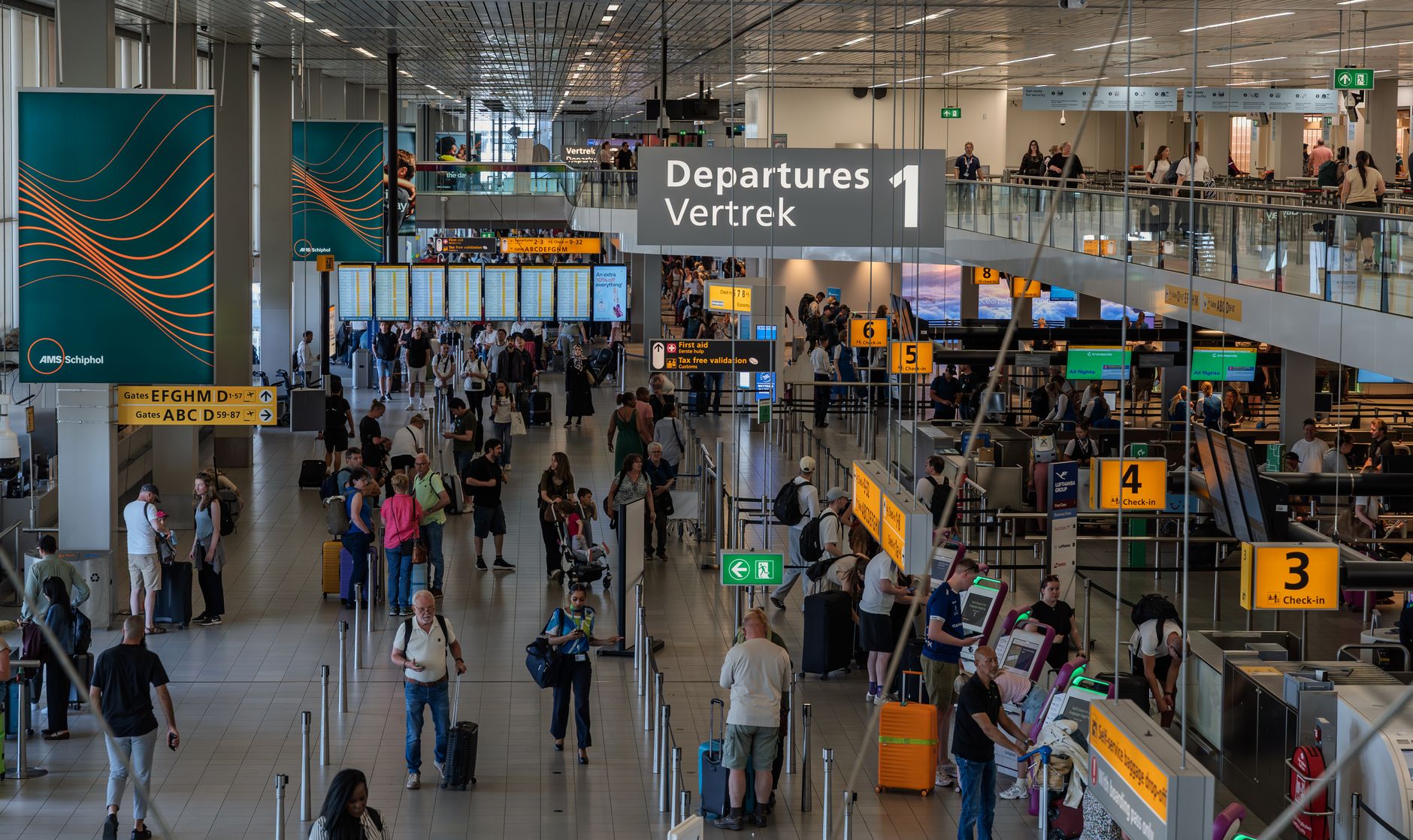
What trips people up
- Waiting until arrival to buy: airport WiFi hunting as a purchase requirement defeats the point, sofa installs rule.
- Forgetting data roaming stays ON for your HOME sim: that's the $400 postcard, verify the toggle twice.
The steps, start to finish
- Verify eSIM powers first. Settings, then search 'SIM' or check for 'Add eSIM': iPhone XR onward, Samsung S20 onward, Pixel 3 onward, most modern phones qualify. Two minutes of certainty before any purchase.
- Buy the right plan for the trip shape. Apps list plans by country, region (Europe wide, Asia packs) or global. Data amount per trip: 1-3 GB for maps-and-messaging week trips, 5-10 GB if you'll hotspot or scroll reels. Prices typically run $4 to $20, compare the two big names plus your home carrier's travel pass before buying.
- Install BEFORE flying, over WiFi. Purchase, then install from the app's guided flow or QR: the profile downloads as a second SIM. Label it clearly ('Japan trip'), leave it OFF for now. Everything takes under five minutes on sofa WiFi.
- Landing ritual, in the right order. Plane lands: turn the travel eSIM ON and set it as the data line. Keep your home SIM active for calls/texts but with data roaming OFF (that checkbox is the wallet saver). Messages still arrive, maps roam free on local data.
- Enable data roaming for the travel eSIM itself, required (it's roaming by design)
- WhatsApp keeps your home number: nothing in chat apps changes
- Hotspot feature, the underrated gem. Most travel eSIMs allow tethering: laptop and partner's phone sip the same data, one plan covers the team. Check the specific plan rules, most permit it.
- Track usage and top up mid-trip. The app's meter shows consumption: maps and messaging sip (~50-100 MB/day), video calls and hotspot laptops gulp. Running dry mid trip? Same app, top up in two taps, done from café WiFi.

Pro tips without the attitude
- Regional plans (one for all of Europe) beat country stacking on multi stop trips, simplify the SIM wardrobe.
- At trip's end, delete the eSIM profile to keep the SIM menu tidy, the purchased plan expires on its own clock.
- Carrier travel passes from your home operator are now competitive sometimes: $10 per day adds up but low hassle for short trips, compare honestly.
FAQ
Does my home number still work on travel eSIM data?
Calls and texts use the home SIM as usual (receiving SMS is typically free), data flows on the travel eSIM: best of both worlds, one phone.
Is it reliable in rural areas?
Travel eSIMs ride the best local networks available, usually multiple carriers: coverage mirrors local phones, occasionally better than single carrier roaming.
Keep reading
- How to Use the iPhone Passwords App (The Built In Password Manager You're Ignoring)
- How to Use Copilot in Windows 11 to Genuinely Save Time
- How to Make a Logo for Free (That Actually Looks Professional)
That covers it
Buy at home, install on WiFi, land and flip two toggles, hotspot for the crew, top up in-app. Postcards no longer cost a fortune, they cost nothing at all.
