The membership audit reached Amazon Prime, and the cancel button is deliberately hard to find. Advertising trick? Naturally.
Updated August 09, 2026, after a fresh review, with updated visuals and links.
Here's the direct path, what continues after cancellation, and the refund opportunity people consistently leave on the table.
Short version: The direct path to the button first, then mobile app route. Details below.
Here's how it works
- The direct path to the button. Amazon.com, hover Account and Lists, Memberships and Subscriptions (or Prime Membership), then 'Manage membership', 'End membership'. Amazon walks you through several screens of benefits you'd lose and special offers: persist to the final 'End my membership' confirmation.
- Mobile app route. App, bottom menu person icon, Your Account, Prime Membership, Manage Membership, End Membership. Same maze, smaller screen, identical ending.
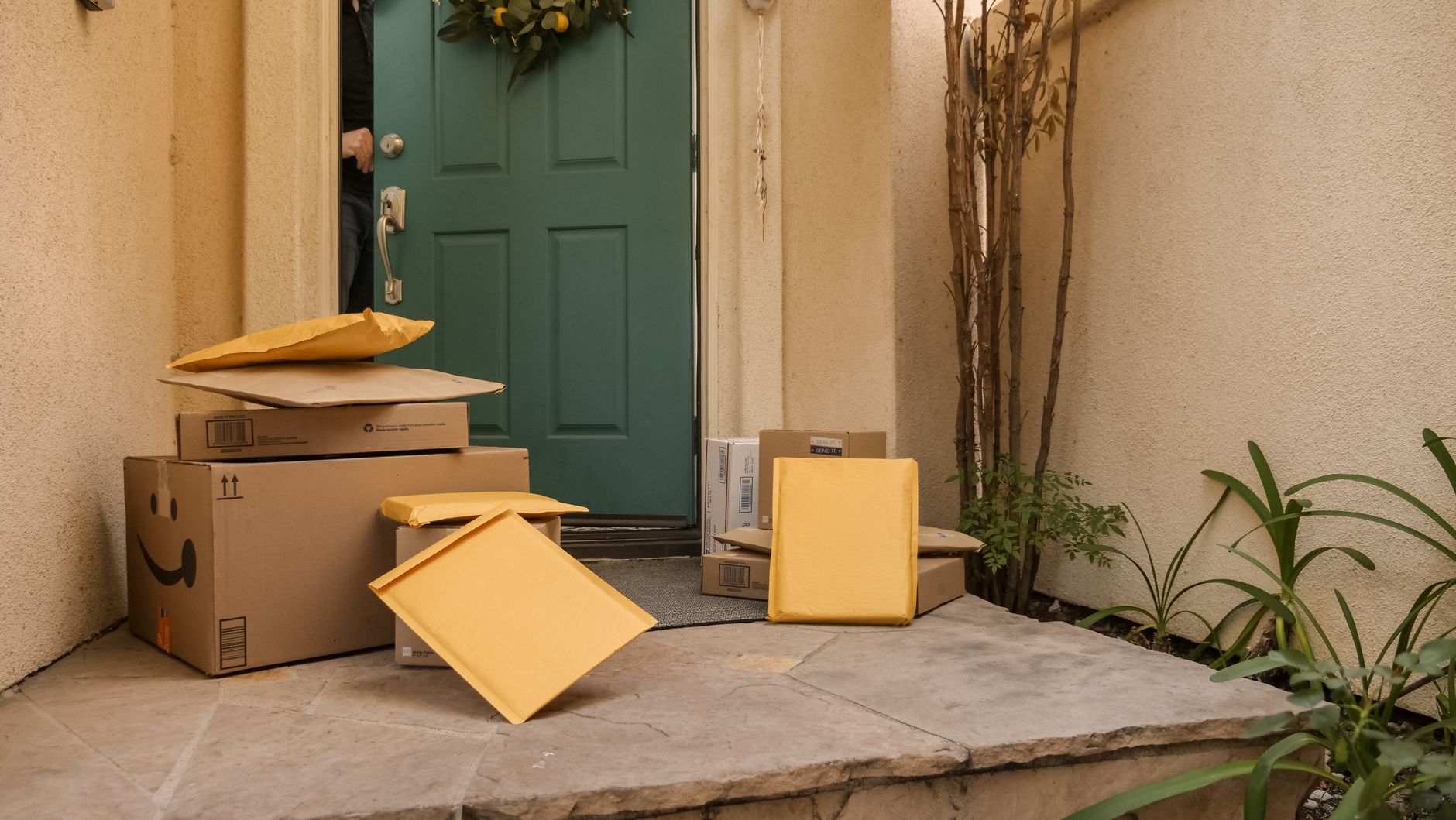
- Know your end date and keep your deliveries. Membership benefits (video, music, deals, free shipping) continue until the end of the already-paid period. Orders already shipped arrive normally: cancellation doesn't recall boxes, don't worry.
- Check the refund angle before clicking. Amazon's policy historically refunds the period if you haven't used Prime benefits since the last charge, and their flow sometimes volunteers it automatically. No promises, but if the renewal hit yesterday and nothing was ordered since, the refund path often opens.
- Decide on the annual option mentally first. Amazon counters with monthly pricing switches and discount pleas during the exit flow. Decide before entering the maze: if your answer is cancel, taps and skips get you out without accidental 'pause' conversions.
- What actually remains after. Prime Video purchases stay yours forever, not Prime rentals (titles from the Prime catalog end at the period). Prime Gaming loot you've claimed usually stays with the game accounts. Kindle books: untouched.
Small tweaks, big difference
- Household members linked to your Prime lose sharing too: a courtesy heads-up avoids confusion.
- Set a calendar note for resubscribing during big sale events: many people operate on a holiday-plus-Prime-Day rotation deliberately.
- Photos storage (unlimited with Prime) changes after cancellation: check your Amazon Photos situation before the final tap if that matters to you.
Before you ask
Do I keep Twitch Prime benefits after canceling?
Prime Gaming perks follow the membership: linked loot already granted in games usually persists per each game's rules, monthly channel subscriptions end.
How do I know it worked?
The membership page should display an end date instead of a renewal date, plus a confirmation email arrives. Screenshot both.
Keep reading
- How to Make a Spotify Blend (And the AI Playlist Features Worth Knowing)
- How to Set Up Netflix Profiles (And Keep Your Recommendations Yours)
- How to Replace Windshield Wiper Blades in 3 Minutes
Membership page, persist through the maze, confirm the end date. Canceling is a feature too, and knowing its exit is just good subscription hygiene.
