Google Maps stops being useful exactly when you need it most: a mountain road with no coverage, a foreign country with roaming off, a tunnel on the route home. The fix is free, built in, and takes about a minute, yet most people discover it standing in a parking lot with full bars the night before the trip.
Updated August 28, 2026, after a fresh review, with updated visuals and links.
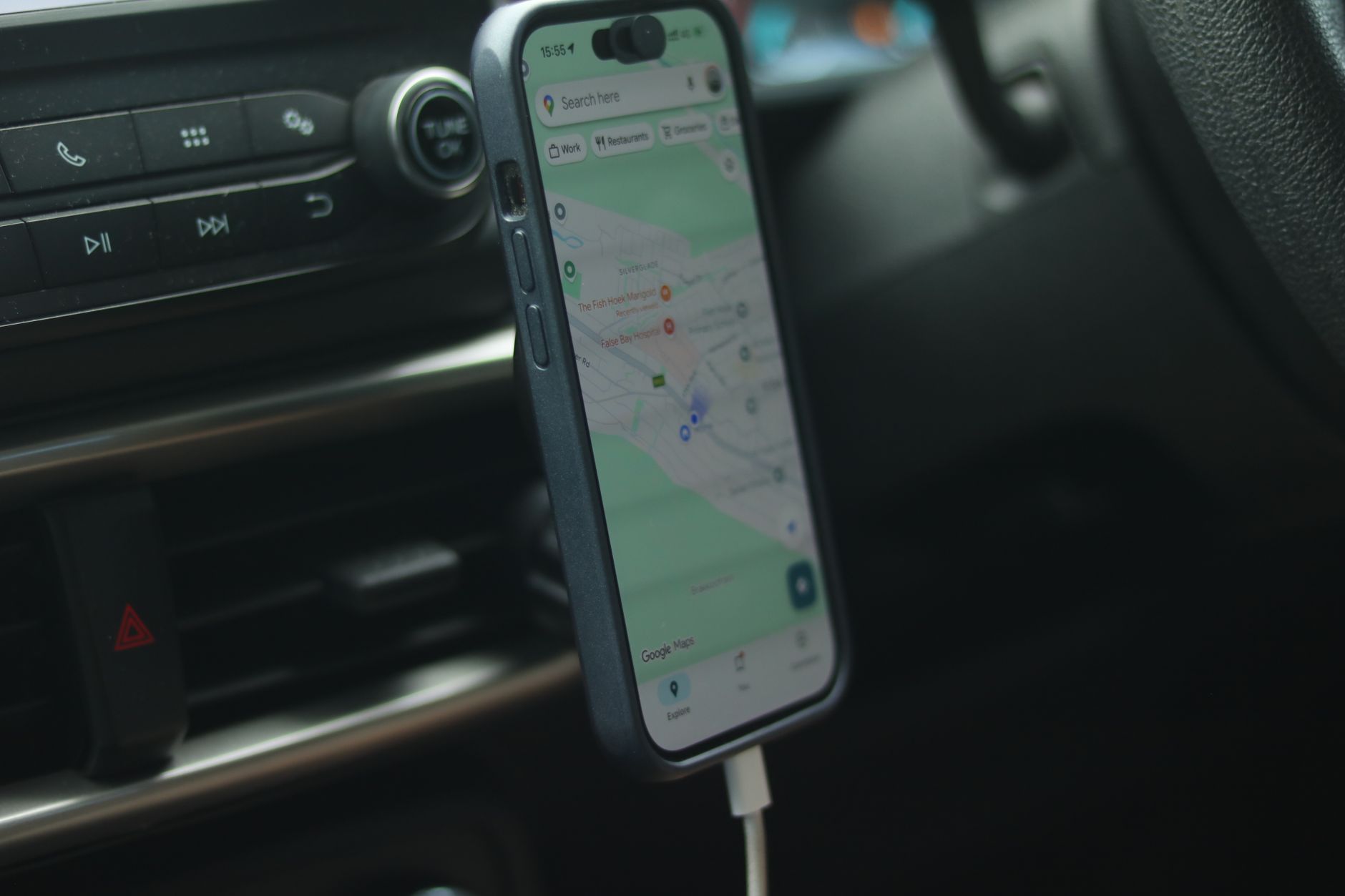
Download an offline map: the 60-second version
- Open Google Maps (on iPhone or Android) while you still have internet.
- Tap your profile picture (top right) and choose Offline maps.
- Tap Select your own map, pinch and zoom until the blue frame covers everything you need: your destination, the route, and a safety margin around it.
- Tap Download. A city area typically uses 50-200 MB; a whole region can pass 1 GB, so do it on Wi-Fi.
What works offline (and what does not)
- Works: searching inside the downloaded area, turn-by-turn driving navigation, and your position on the map. GPS is satellite-based, so it needs no internet at all.
- Does not work: live traffic, transit, walking or cycling directions, and business info like opening hours or reviews. Plan fuel and food stops before losing signal.
Keep maps alive: updates, storage and the SD card
Offline maps are not permanent: Google expires areas that go too long without an online refresh, because roads change. Open Offline maps > Settings and turn on auto-update over Wi-Fi; the phone then refreshes areas quietly at home instead of letting them die mid-trip. On Android you can also move downloads to an SD card from that same screen if internal storage is tight.
Real-world checklist before losing signal
- Frame the map larger than you think: detours and scenic wrong turns happen.
- Download over Wi-Fi the night before, then open the area once to confirm it loads.
- Keep the phone charged or plugged in: GPS with a bright screen is a battery eater.
- Flying? Downloading the city beforehand makes landing with roaming off painless.
Frequently asked questions
Does GPS work without mobile data or signal?
Yes. GPS receives satellite signals directly and needs no internet. What data provides is the map imagery and live layers, which is exactly what downloading in advance replaces.
How much space do offline maps use?
A single city usually takes 50-200 MB; large regions can exceed a gigabyte. The download screen shows the size before you confirm, and you can delete areas anytime from the Offline maps menu.
Do offline maps expire?
They can, if the phone never updates them online. Enabling auto-update over Wi-Fi in Offline maps settings refreshes them automatically so this never happens in practice.
One last tip: offline maps pair well with a downloaded playlist and a paper-in-the-glovebox backup. Digital tools fail gracefully when you pack analog humility.
