The smart speaker comes out of the box, gets plugged in the kitchen, and spends a year as a timer and weather machine. Most setups stop at 10% of what the device can do.
Updated August 09, 2026, after a fresh review, with updated visuals and links.
Twenty extra minutes during setup makes the same hardware twice as useful. Here's the full first-day configuration, minus the fluff.
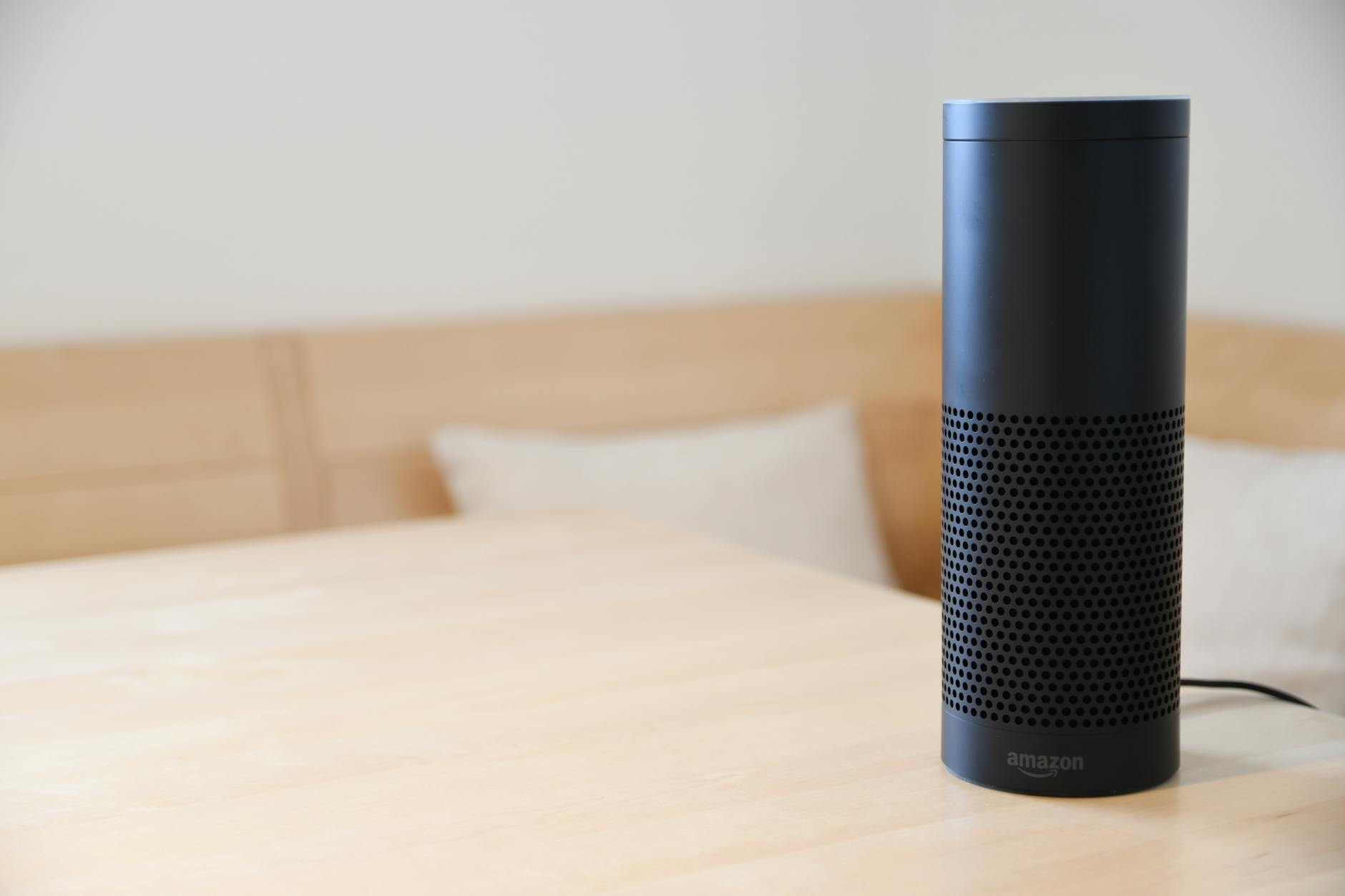
Where people go wrong
- Buying smart gadgets before the speaker ecosystem decision: the Alexa vs Google choice is the wagon every future device hitches to.
- Ignoring the mute etiquette with guests: a visible explanation of what it does and doesn't record settles visitors instantly.
How to do it
- Placement decides half the experience. Central room, away from walls and the TV (it hears better), at ear-ish height, near a power outlet, and within honest WiFi coverage. Kitchen counters win for families; the speaker's location teaches your household when to use it.
- App pairing. Install the Alexa app or Google Home app, sign in, tap the plus or Devices, and follow the pairing prompts: the speaker announces itself or flashes, the app passes your WiFi credentials, done in three minutes.
- Voice Match / personal results. Train each household member's voice in the app ('Voice Match' on Google, 'Your Voice' in the Alexa profiles): personalized calendars, calls and music follow each person, and kids stop triggering your work reminders.
- Link your music and calendars. Spot: link Spotify, YouTube Music or Amazon Music in the app's services section and make one the default: 'play jazz' should flow without app names. Calendars too: 'what's on my day' suddenly answers usefully.
- The first routines worth building. In the app's Routines section: a good morning routine (news, weather, commute, lights) and a good night one (lock doors, dim lights, set alarm). Automations turn the speaker from gadget into infrastructure.
- Start with two routines, add with time
- Routine triggers: voice phrase, schedule, or device state
- Privacy posture from day one. Both apps let you auto delete voice history (3 or 18 months settings) and review recordings: set this during setup, not after headlines. The physical mute button on the device kills the microphone when politics get loud in the living room.
A few things worth knowing
- Set your address and work address in the app: traffic, weather and nearby answers all depend on it.
- Calling features (drop in on grandma's Echo, calls between home speakers) delight families: worth configuring before grandparents visit.
- Name speakers by room immediately ('Kitchen', 'Office'): multi speaker homes descend into chaos without tidy names.
Before you ask
Alexa or Google: which ecosystem for a new home?
Google answers general questions better, Amazon sells a wider ocean of cheap compatible devices. Both are excellent: pick the assistant already on your phone and stay consistent.
Is it recording everything I say?
It listens for the wake word locally; recordings after wake events go to the cloud for processing, and both apps let you listen, delete and auto-purge that history.
Keep reading
- How to Install a Video Doorbell (Wired or Battery, Both Explained)
- How to Get ChatGPT to Give You Actually Useful Answers (Prompting Basics)
- How to Enable 'God Mode' in Windows 11: One Folder With Every Setting
That covers it
Placed well, voices trained, music linked, two routines built, history on auto-delete. The speaker finally earns its counter space.
