QR codes got convenient so fast that nobody built the safety habit to match. Scammers noticed: fake codes now sit on parking meters, restaurant tables and mystery packages.
Updated August 09, 2026, after a fresh review, with updated visuals and links.
The technology is innocent, the link behind it isn't. Here's how to scan smart in under five seconds per code.
Short version: Read the URL preview before tapping first, then know the parking meter trick, the biggest one. Details below.
Step by step
- Read the URL preview before tapping. Every modern camera shows the link in a banner before opening it. Actually read it: a parking app that goes to pay-park-meter.xyz is not your city's system, whatever the sticker looked like.
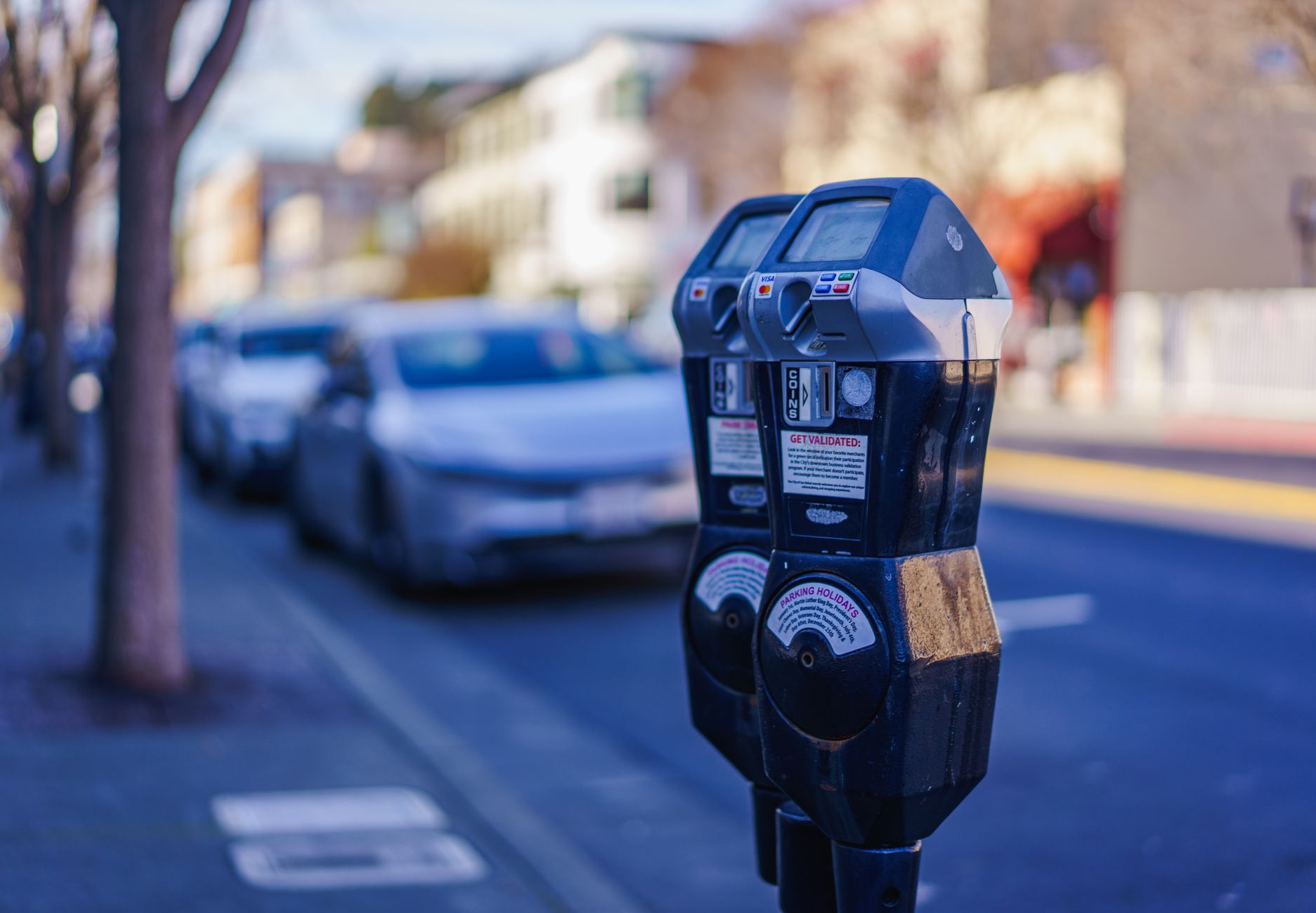
- Know the parking meter trick, the biggest one. Criminals slap fake QR stickers on meters and EV chargers: you 'pay', they get card details, and you still get the ticket. When in doubt, type the official app name into your app store search instead of scanning anything.
- Genuine meters often also take coins or cards on the machine itself
- Check the sticker: peeling edges over an old code is a tell
- Beware 'quishing' emails. Phishing moved into images: an email with just a QR code dodges text filters. Your bank doesn't communicate by QR code. Same rule as links: unexpected code, treat as hostile.
- Be suspicious of mystery package codes. The brushing scam: a package you didn't order with a QR to 'register your warranty' or 'see who sent it'. Scanning enrolls your details in who knows what. Free gifts that demand a scan aren't free.
- Use a scanner that checks destinations. Google Lens and some built in scanners preview the full address; a few security apps actively check links against threat lists before opening. On important scans, the extra look is worth it.
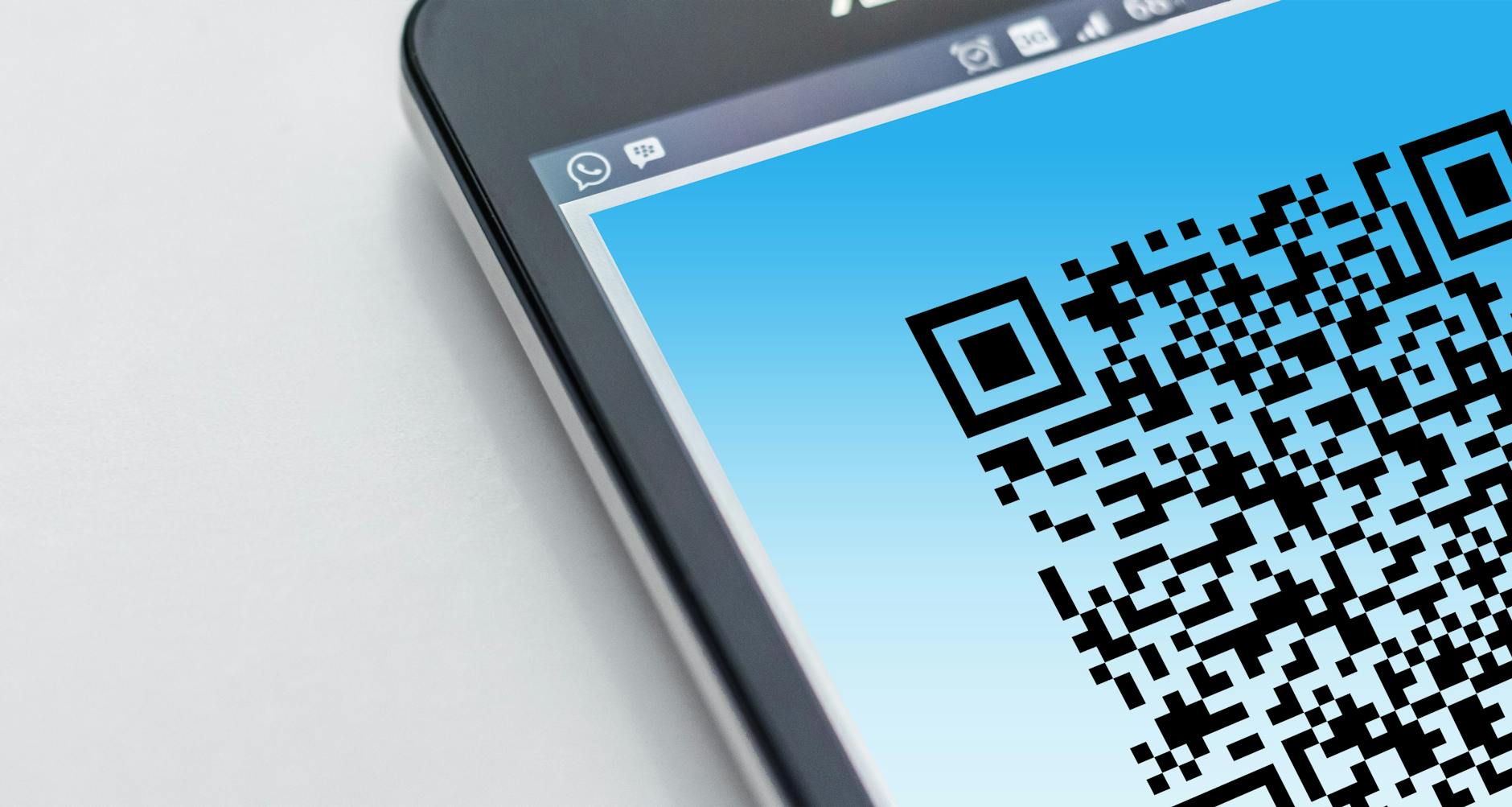
Small tweaks, big difference
- On menus and posters, compare the code's destination with the venue's real website: mismatches mean sticker switching.
- Teach the URL reading habit to parents and teens, the two groups scammers target hardest with QR tricks.
- Your bank and government agencies announce their real apps and sites on their official pages: save those, ignore everything else.
Before you ask
Can scanning a QR code alone infect my phone?
Almost never: the code just opens a link or adds a contact. The damage starts at the page it leads to, which is why reading the URL matters more than anything.
Are restaurant menu QRs safe?
Generally yes, they lost favor post pandemic but where they exist the domain should match the venue name or a known ordering platform.
Keep reading
- How to Use the iPhone Passwords App (The Built In Password Manager You're Ignoring)
- Your Account Got Hacked: The Exact Recovery Order (Do This, In This Sequence)
- How to Stop Spam Texts on iPhone (Filters, Blocking and the Habits That Starve Them)
Preview the link, trust official apps over stickers, ignore unexpected codes. Five seconds of reading beats hours of fraud cleanup.
