New SIM, new number: the panic is losing the group chats, the chat history and having to explain to 200 people who you are.
Updated August 09, 2026, after a fresh review, with updated visuals and links.
WhatsApp's official number change feature handles everything gracefully: chats stay, groups stay, contacts get told automatically. Here's the correct order.
The fast version
- Understand what actually changes. Changing the number migrates your account info, groups and settings to the new number. Chats stay on the phone as they are. Your contacts get a notification in chats that your number changed (you choose the reach): no losing anything, no rebuilding.
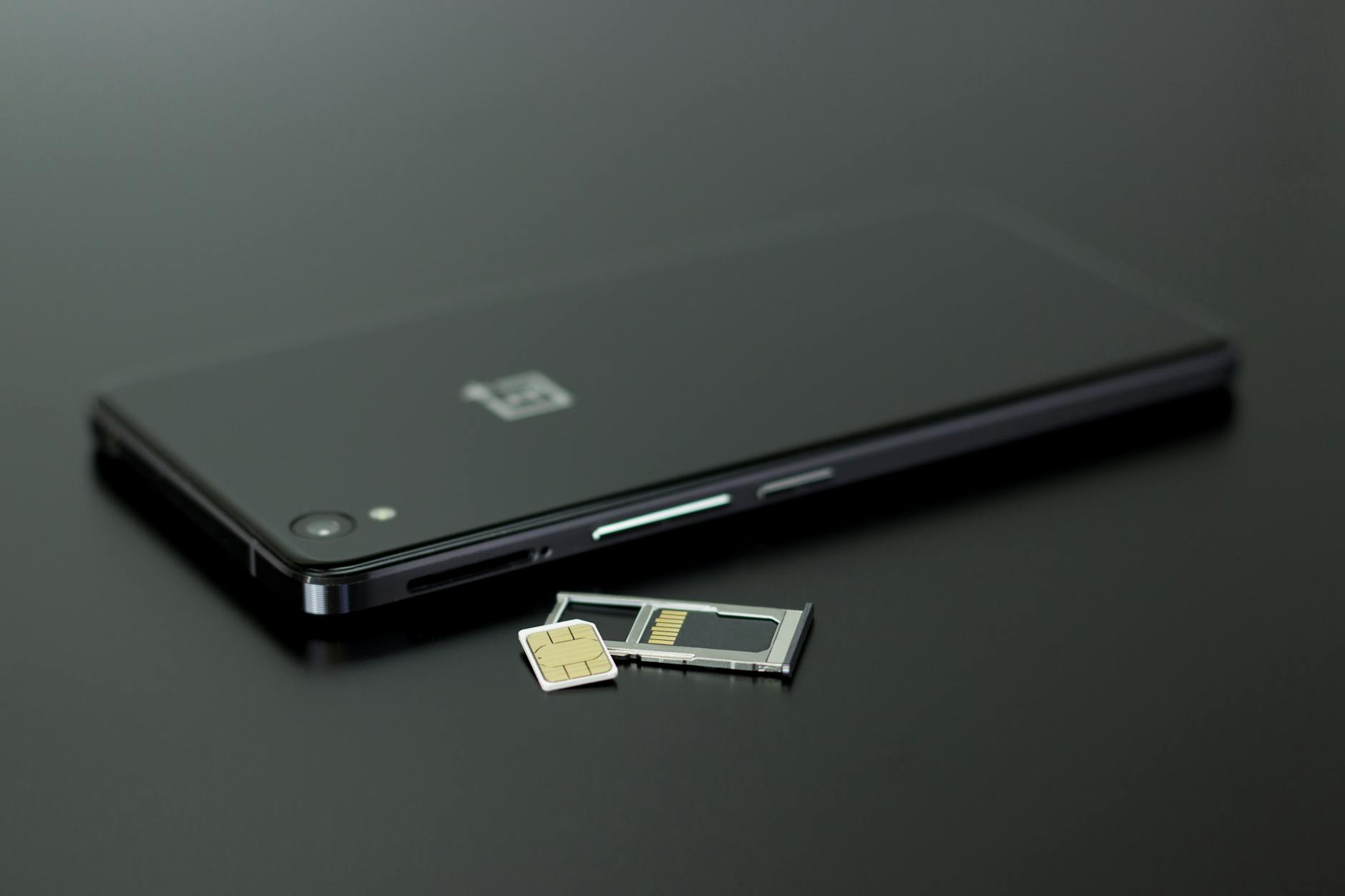
- Slot the new SIM first, verify it receives SMS. The new number must be able to receive an SMS verification code: pop the new SIM in (dual SIM phones can host both), confirm regular texts arrive to it before touching WhatsApp.
- Run the official feature. WhatsApp, Settings, Account, Change number, Next. Enter the old number and the new number in international format (country code included), then verify with the SMS code sent to the NEW number.
The thorough version
- Choose who gets notified. Three options: all contacts, contacts I have chats with, or custom. Work number switching to personal? Custom lets your boss find out organically weeks later, family learns immediately, your call.
- Groups and chats confirm themselves. Group chats continue seamlessly with your new number shown; individual chats keep their history. The other sides see the little system message 'changed their number' so nobody believes a stranger texted them from your seat.
- Keep the old SIM reachable a few days if possible. Stragglers messaging the old number vanish to the void once the carrier reassigns it (months later usually), but the first days of overlap allow last righteous catch ups and the classic 'saved your new number' replies.
Where people go wrong
- Don't let the old SIM die first: if the old number can't be entered as the source, the migration feature can't run and accounts get messy.
- Changing numbers secretly to dodge one person: they'll still find you in shared groups unless you leave those too, think the strategy through.

Small tweaks, big difference
- Backup before any major account surgery: Settings, Chats, Chat backup, Back up now, thirty seconds of serenity.
- WhatsApp Web and linked devices keep working through the change: nothing to re-pair on your computers.
- The old number released to your carrier eventually goes to someone else: decouple it from any other account that uses SMS recovery before abandoning.
Quick answers
New phone AND new number at once?
Order matters: change number on the OLD phone first, back up, then move to the new phone and restore: each transition processed separately prevents edge cases.
Do blocked contacts stay blocked?
Yes: block lists migrate with the account, along with privacy settings and profile photo.
Keep reading
- How to Back Up and Restore WhatsApp Chats (Never Lose Years of Messages Again)
- Telegram for Beginners: Channels, Groups, and the Features WhatsApp Doesn't Have
- How to Remove a Virus From Your Android Phone (The Calm, Step-by-Step Cleanup)
That covers it
New SIM verified in, official feature run, notification audience chosen, groups and chats immune. Changing numbers stops being surgery and becomes a forwarding address.
