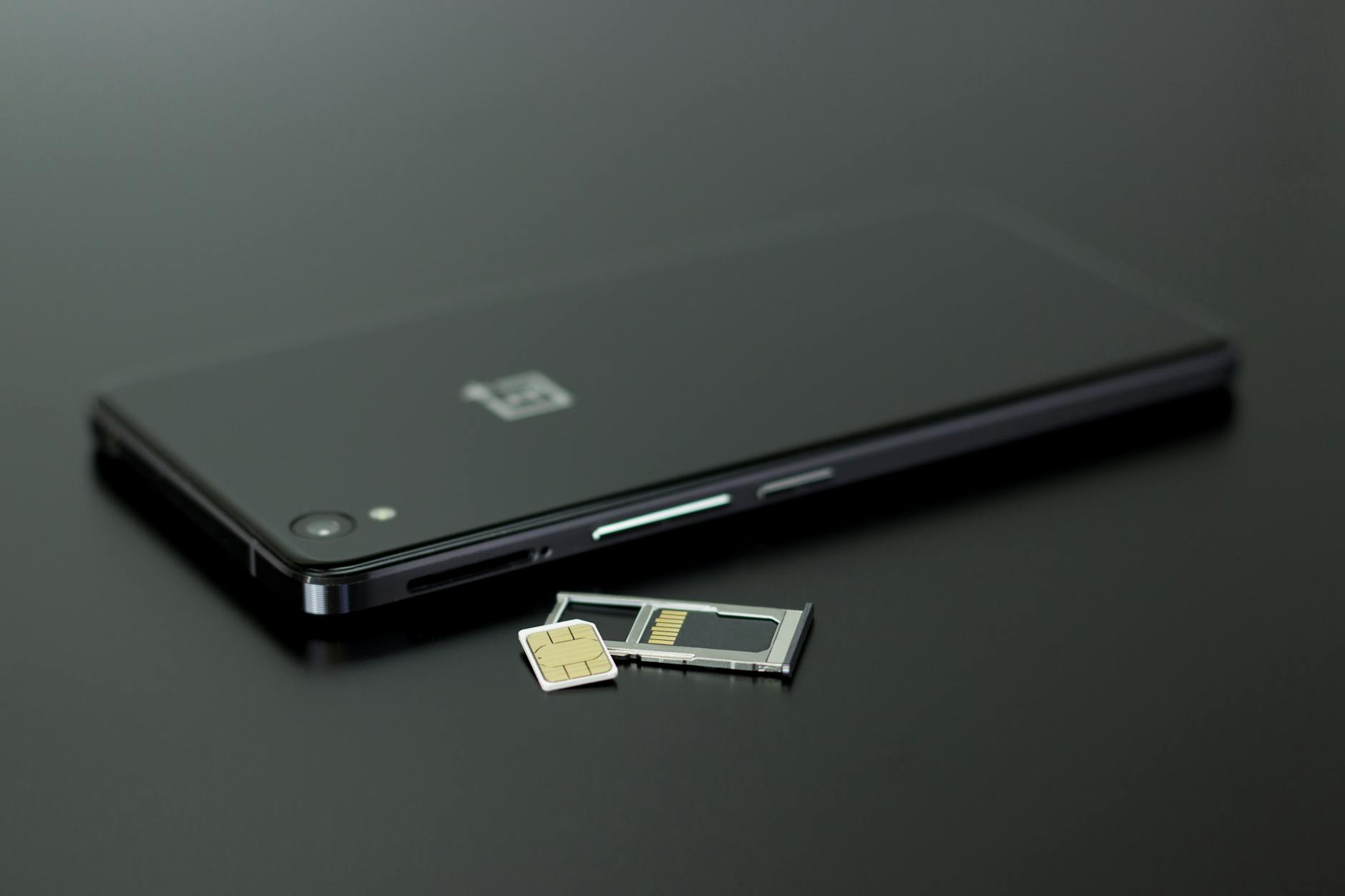
The eSIM is a chip already inside your phone that replaces the plastic card: activate a plan with a QR code in two minutes instead of hunting for the little tray tool.
Travel data, a second line, or leaving plastic behind forever: here's the whole activation story, including the transfer of your existing number.
The fast version
- Confirm your phone speaks eSIM. Settings, Network and internet, SIMs (or Connections, SIM manager on Samsung). If you see 'Add eSIM' or a plus icon, you're set. Nearly every midrange and flagship Android since 2020 qualifies.
- Get the eSIM from the carrier. Carriers provide it as a QR code in their app or store, or as a code to type, or a direct app based install. Travel eSIMs (Airalo and friends) work the same way but data only.
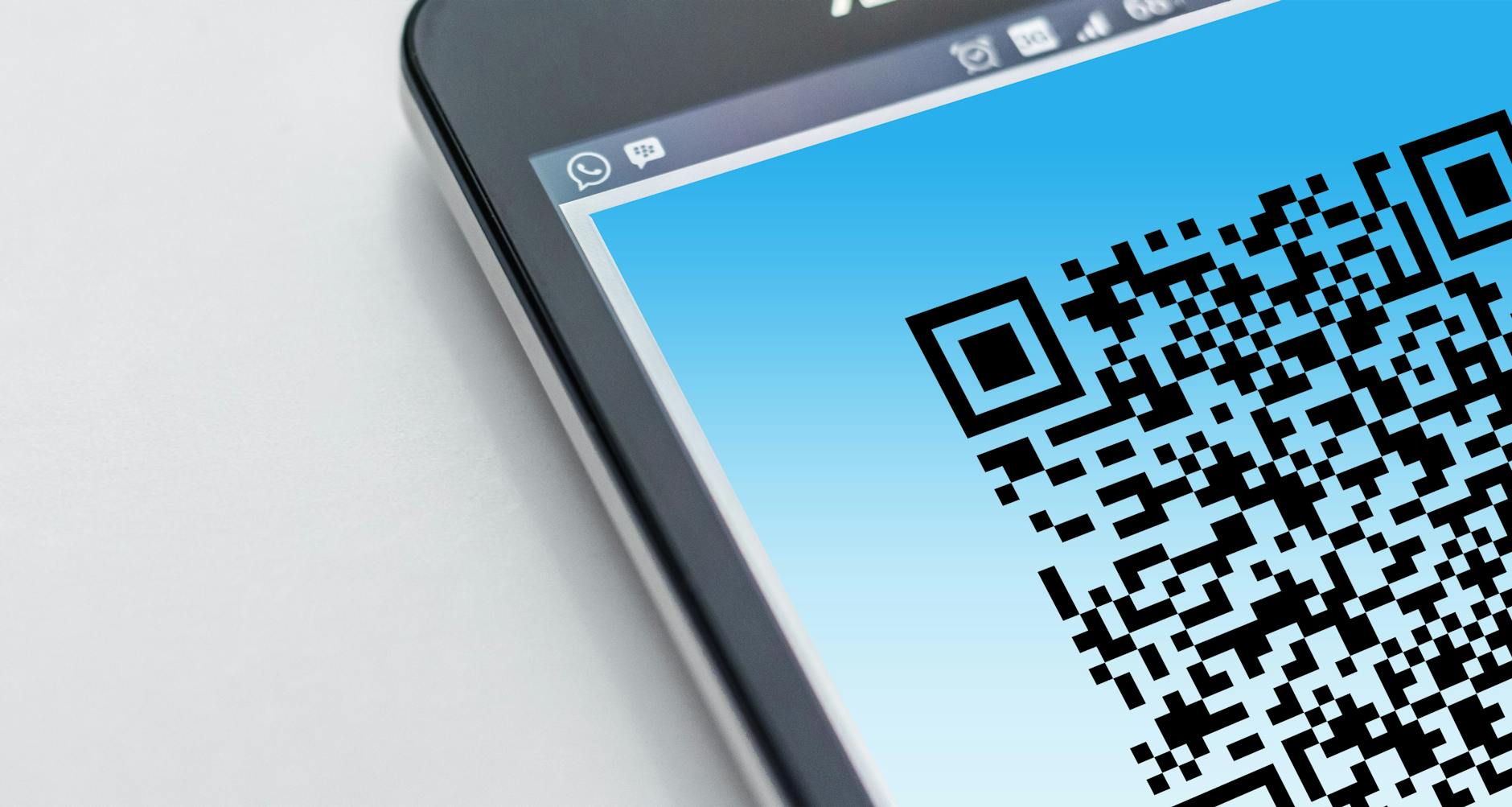
- Scan and install. Settings, Network and internet, SIMs, Add eSIM, and aim the camera at the QR. The profile downloads in seconds and asks which role it should play: calls, texts, data.
- Name the line clearly ('Personal', 'Travel Japan') when it asks
- Manual entry exists under 'need help' inside the same flow
The thorough version
- Moving YOUR number to eSIM. Replacing your plastic SIM with eSIM happens inside your carrier's app ('convert to eSIM') or at a store; your number and plan carry over identically. Some carriers do it self serve in two taps.
- Use two lines at once (dual SIM life). With the plastic SIM plus eSIM, both numbers live simultaneously. Per contact and per app you choose which line calls, and in SIM settings you pick which one serves mobile data.
- Travel rules that save real money. Keep your home eSIM for calls/texts but OFF for data abroad; let the travel eSIM handle data. Roaming bills die at exactly this checkbox: SIM settings, your home line, mobile data toggled off.
Pitfalls worth skipping
- Factory resetting without removing the eSIM deletes the profile and recovering it means carrier contact: Settings offer 'erase eSIMs' separately, notice the checkbox.
- Cheap unknown eSIM sellers exist: travel eSIMs from established names avoid activation desk arguments abroad.
Pro tips without the attitude
- Store the QR email somewhere safe until activation completes, then delete: it can re-provision a line if things go sideways.
- Travel eSIMs activate on arrival or from the airport WiFi: land, install, maps work before the taxi line ends.
- Call quality on both lines: enable WiFi calling per line in the same SIM settings for indoor coverage problems.
Questions people ask
Can I use eSIM and keep my WhatsApp number?
Yes: your WhatsApp number is account based. A travel eSIM for data doesn't disturb your registered number at all.
Does eSIM drain battery faster?
Practically no difference, except when using dual SIM: two active lines hunting signal in poor coverage areas cost some extra battery.
Keep reading
- How to Back Up Your Android Phone Completely (Photos, Chats, Apps, Everything)
- How to Get the Most Out of Gemini on Your Android Phone
- How to Remove a Virus From Your Android Phone (The Calm, Step-by-Step Cleanup)
Wrapping up
QR, scan, label, choose data line. Welcome to the era where switching carriers means downloading a profile, not opening a tray.
