You died behind cover because on the server's screen you were still standing in the open: lag decides matches before skill gets involved.
Updated August 09, 2026, after a fresh review, with updated visuals and links.
Ping is physics plus routing, and several parts are genuinely fixable. Here's what moves the needle, from free tweaks to hardware truth.

Where people go wrong
- 'Gaming VPNs' promising magic ping cuts rarely help on good routes: they add hops and usually add milliseconds, exceptions exist but test with trials only.
- Blaming the game for a home problem: if teammates on the same server are fine, the cause lives between your controller and your ISP, work the steps above.
How to do it
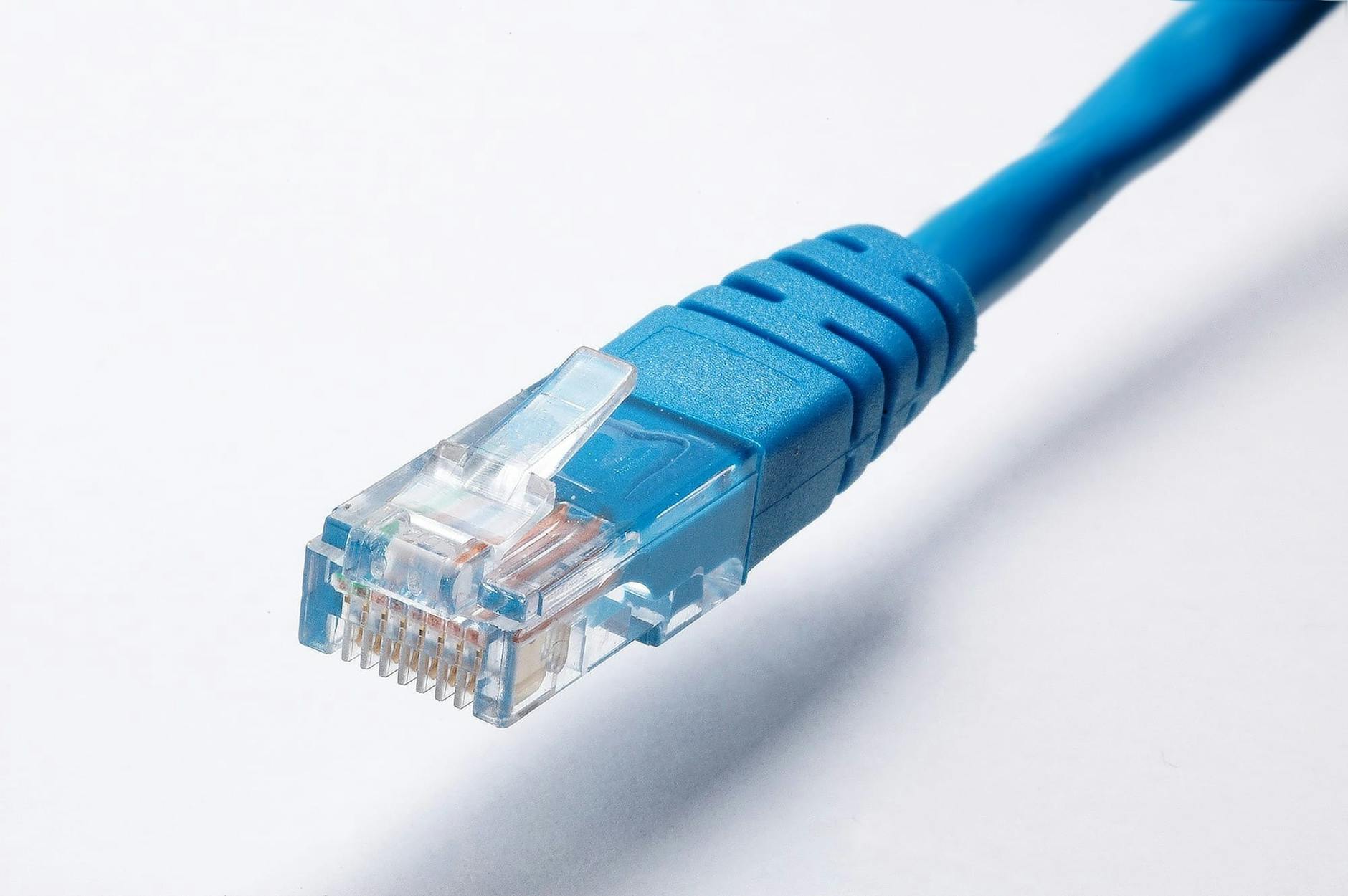
- Wire up: the single biggest fix. WiFi adds latency, jitter and packet loss, the unholy trio. An Ethernet cable from console or PC to router removes them instantly: players routinely drop 20 to 40ms and, more importantly, variance disappears. Flat or long cables run along baseboards invisibly enough.
- Test the truth about your WiFi. If cable is truly impossible: sit closer to the router, use the 5GHz or 6GHz band (less interference than crowded 2.4GHz), and reserve 2.4 for the smart bulbs. Mesh systems with a node near the console genuinely rescue wireless setups.
- Pick the nearest game server. Most competitive games let you choose region or data center: the difference between Frankfurt and Virginia from Europe is 80ms of permanent disadvantage. Set it, and disable 'auto' if it wanders to distant friends' regions when partying.
- Stop the background bandwidth wars. Cloud backups, Windows updates, sibling Netflix 4K streams: they don't just eat bandwidth, they spike latency. Pause sync apps during ranked, schedule updates overnight, and enable QoS (Quality of Service) in your router to prioritize gaming traffic.
- Router QoS: game console or PC gets priority flag
- Many gaming routers have one-click gaming profiles that prioritize automatically
- Nuclear networking tweaks. Restart the router weekly (clears bloated tables), and test different servers at your usual playing hours: peak evening congestion on some ISPs is a social problem, not a settings one. Knowing your baseline hour-by-hour informs complaints intelligently.
- In game settings that feel like lag but aren't. Frame stutter is not ping: lower graphics until steady framerates if things feel sluggish with low ping numbers. Network performance graphs (most competitive games have them) and FPS counters separate the two problems decisively.
Small tweaks, big difference
- The 100ms rule of thumb: under 40 is excellent, 40-70 fine, 70-100 noticeable, 100+ actively hurts in shooters.
- Powerline adapters (network over house wiring) are the compromise when cables can't run: far better than weak WiFi despite the marketing skepticism.
- Track a week of tests when arguing with your ISP: dated screenshots of peak-hour ping make support agents much more cooperative.
Before you ask
What ping do pros play with?
Competitive players chase 10-30ms on wired fiber with close servers. Casual sessions stay perfectly fun under 70ms: chase better fundamentals before chasing fiber.
Does internet speed matter for ping?
Above a modest threshold, no: games sip bandwidth. Ping is distance physics plus network quality, not your plan's megabits.
Keep reading
- How to Refund a Game on Steam (The 2-Hour Rule and Every Exception)
- How to Stop Background Apps From Draining Your Android Battery
- How to Cancel Amazon Prime (And What You Actually Lose, Explained Honestly)
One last thing
One cable, nearest server, quiet network, router reboots. Lag was never fate, it was four fixable decisions stacked.
