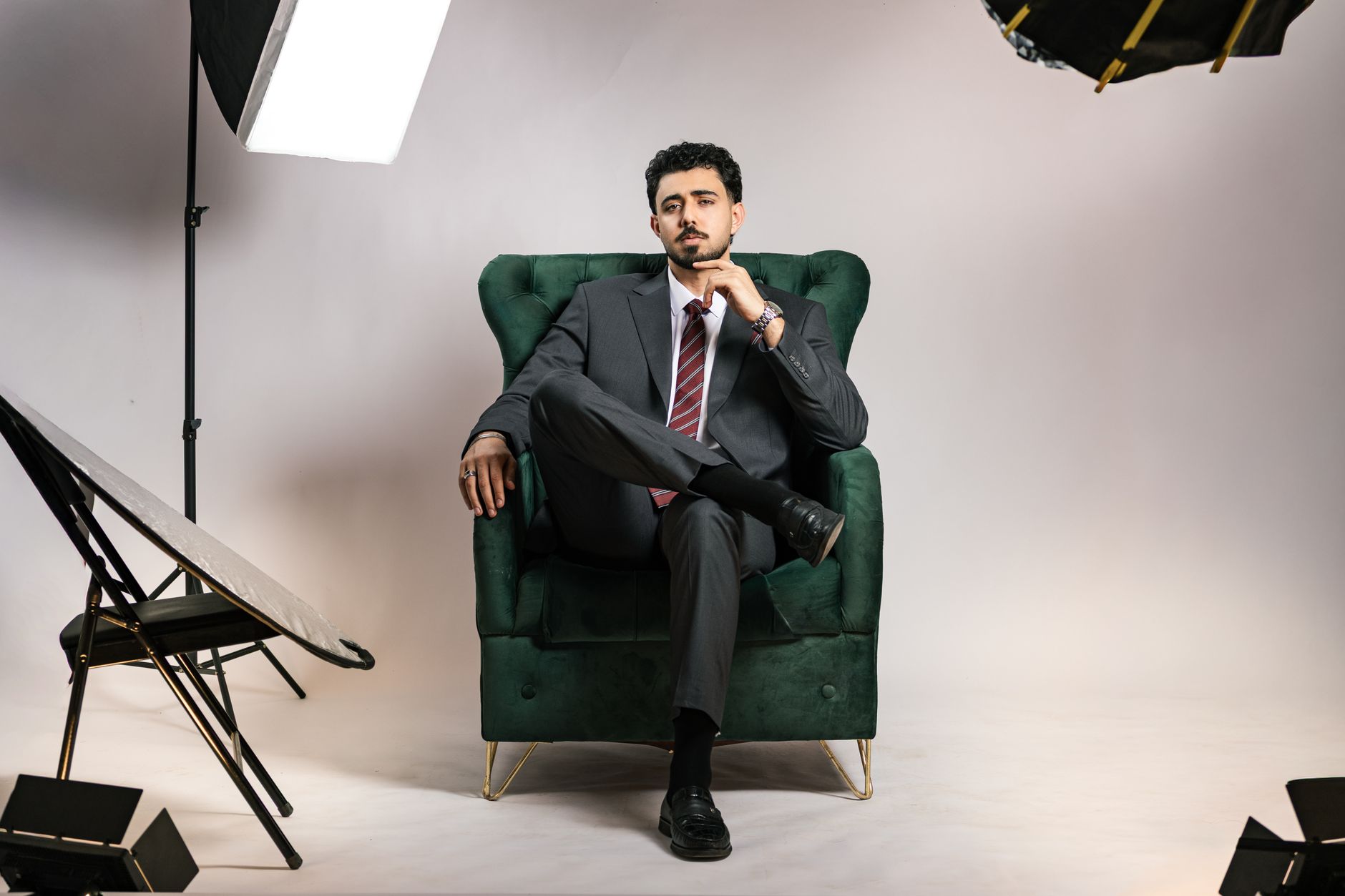
LinkedIn photos, company pages, speaker bios: everyone needs a decent headshot, and professional sessions cost real money. AI headshot tools now turn ten casual selfies into a page of studio-quality portraits.
Updated August 12, 2026, after a fresh review, with updated visuals and links.
Here's how to get results that look like you on a good day (not like a wax figure), which tools deliver, and the upload rules that make or break the outcome.
What you'll need
- 10 to 15 photos of yourself
- $10 to $30 for a quality service (or a free trial)
Doing it properly
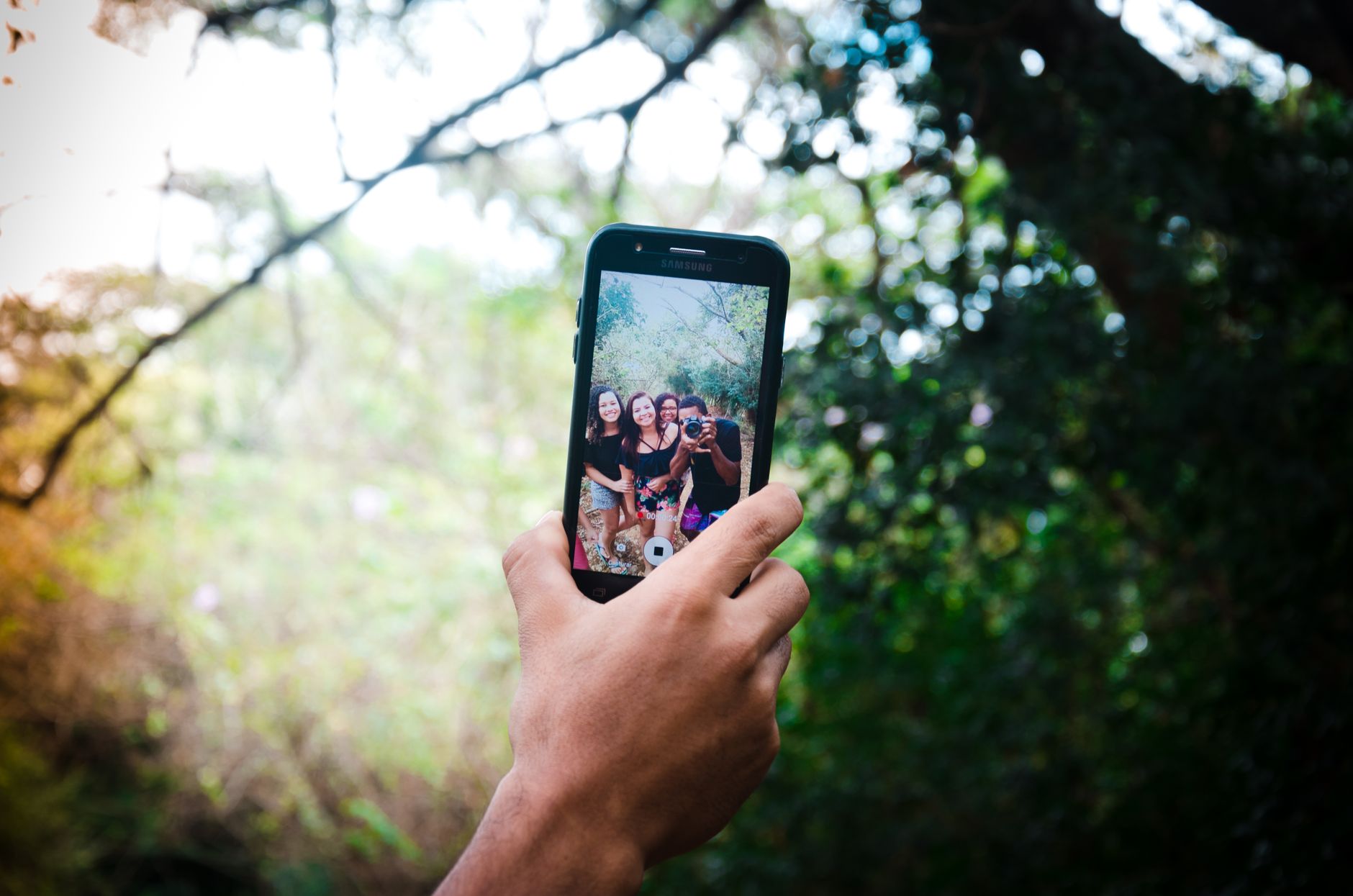
- Gather the right source photos. Clear face shots in varied lighting and angles: some smiling, some neutral, different backgrounds, no sunglasses, no group crops. The AI learns your face from these; garbage in, stranger out. Selfies in daylight near a window are perfect.
- Choose a dedicated headshot service. Specialized generators (search 'AI headshot generator' and compare current reviews) beat general image tools here: they're trained specifically for professional portraits and include business attire and backdrops. Most run $10 to $30 for 40 to 100 finished photos.
- Upload and pick your styles. Select the packs you want: corporate gray backdrop, outdoor natural light, business casual. Choose varied styles in one order, you're buying options for different uses (LinkedIn formal, Twitter casual).
- Wait for the batch (usually under an hour). Training a mini model on your face takes 20 to 60 minutes typically. You'll get an email when the gallery is ready.
- Cull ruthlessly, keep the honest ones. Expect three buckets: instant deletes (weird ears, melting collars), almosts, and five to ten photos where you genuinely recognize yourself. Show finalists to a friend: 'does this look like me?' is the only test that matters.
- Deploy everywhere consistently. Update LinkedIn, email avatars, company directories and social profiles with the same shot or siblings from the same batch. Consistent imagery across platforms reads as professionalism, people feel they've already met you.
Tips that actually help
- Recency matters: upload photos from the last year, and regenerate when you change hair or glasses dramatically.
- Keep one casual-feed original: platforms like dating apps where authenticity reads better with real photos are the exception to AI headshots.
- Check hand and background details at full zoom before posting: AI artifacts hide at thumbnail size.
Common mistakes, and how to dodge them
- Uploading photos with other people in them: the model blends faces and wrecks the batch.
- Picking the most flattering over the most recognizable: a headshot that doesn't look like you in person damages trust at the first real meeting.
Quick answers
Do AI headshots look fake?
The best services produce portraits indistinguishable from studio photography at normal viewing sizes; most people can't tell. The tells appear when you upload poor source photos or keep shots with face details slightly off.
Is it safe to upload my face?
Reputable services delete training photos after processing per their policies, but read the current privacy terms and avoid uploading photos you'd never want stored anywhere.
Keep reading
- How to Manage ChatGPT Memory (See, Edit, and Delete What It Remembers About You)
- How to Use Claude: A Beginner's Guide to the AI That Reads Whole Books
- How to Set Up Gemini as Your Android Assistant (And Use Its Screen-Aware Powers)
Wrapping up
Ten selfies, one lunch price, and every professional profile you own finally looks like you hired a photographer.
