Smart cameras now cost less than a pizza night, promise to watch the porch forever, and quietly nudge everyone into monthly fees. Set up right, they deliver their best features for free or nearly free.
Updated August 12, 2026, after a fresh review, with updated visuals and links.
From choosing the mounting spot to motion zones that ignore passing buses: the complete installation playbook, including the privacy rules for your own home.
Short version: Choose placement before purchase regret first, then wifi first, mount second. Details below.
How to do it
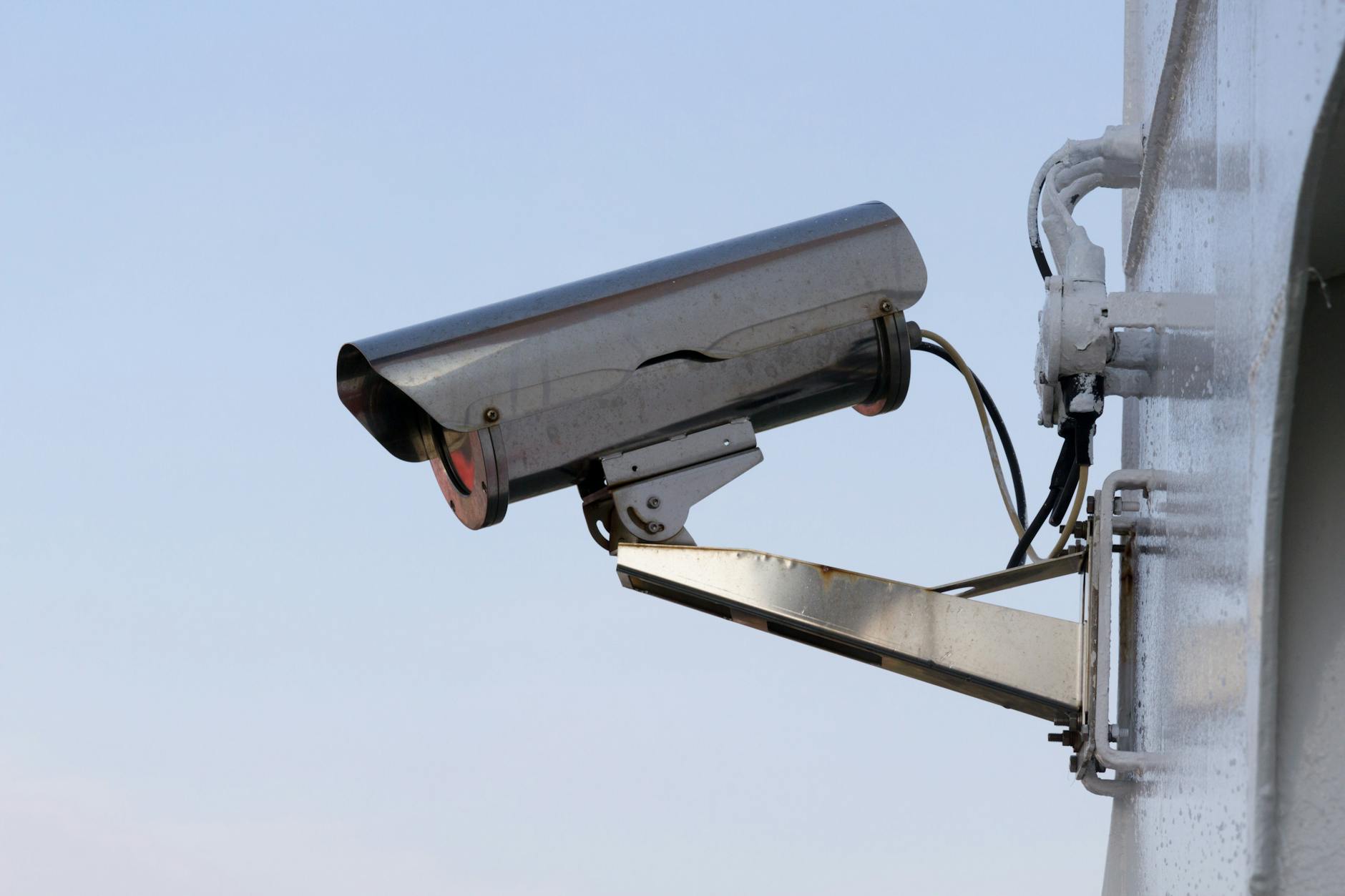
- Choose placement before purchase regret. Porch camera: seven to nine feet high, angled down, covering the approach rather than the street. Indoors: common areas only, never bedrooms or bathrooms, guests, children, and future-you all deserve that line. Power decides everything for wired models; battery models forgive placement but charge monthly in busy spots.
- WiFi first, mount second. Pair and test the camera indoors near the router, then walk to the intended spot with your phone: two solid WiFi bars there means a happy camera, dead zones mean a mesh node added or a spot relocated. Mounting before the signal test is the classic Sunday tragedy.
- Configure motion zones like a surgeon. In the app, draw zones covering your walkway and door only: exclude the street, the waving tree, the neighbor's cat highway. Then tune sensitivity. This step alone converts a notification firehose (seventy pings daily, ignored within a week) into the three alerts that matter.
- Understand the storage decision now. Cloud plans (the subscription) give event history and AI smarts; local storage (SD card or base station models) keeps costs at zero forever with short retention. Brand math varies widely: read the 'without a subscription you get...' section before falling in love with any camera's features.
- Set the privacy schedule. Indoor cameras deserve automation: record when the house empties, stop when trusted phones return. Geofencing modes exist in every major brand's app and transform the device from spy to guard dog, awake when needed, asleep when family is home.
- Harden the account holding your footage. The camera account sees the inside of your life: unique password and two-factor on, sharing limited to household members who need it, camera firmware updates accepted. The weakest camera incident stories all skipped this paragraph.
A few things worth knowing
- Night vision needs thought: infrared bounces off window glass into white blindness, mount outdoor cams outdoors or use color-night-vision models through panes.
- Package-theft framing: capture the ground in front of the door, not the horizon, evidence is a face three feet away.
- Chime and smart-display integration turns cameras useful live: front-door events ring the kitchen display before the phone finishes buzzing.
Quick answers
Can I really use these without a monthly fee?
Yes, with the right models: local-storage brands and free-tier options give live view plus clip storage forever, subscriptions add history depth and AI labels rather than basic function.
What happens to my footage if the company folds?
Cloud-dependent cameras degrade to live-view or less; local-storage models survive corporate death best, one more reason the storage decision at setup matters.

Keep reading
- How to Install a Smart Thermostat (And Actually Get the Energy Savings)
- How to Use Claude: A Beginner's Guide to the AI That Reads Whole Books
- How to Paint a Small Room Without Messy Edges at Home
Eight feet high, zones drawn with intention, cloud decision made deliberately: a camera that watches for you instead of at you.
