The drawer of warranties, the folder of receipts, the envelope of tax papers: paper accumulates precisely when finding any piece of it would take a Saturday. Going paperless is a weekend project with a lifetime payoff.
Scan with the phone you already own, file with a system simple enough to survive, and search replaces archaeology. The complete method, start to finish.
Short version: Triage the mountain first first, then scan like a machine. Details below.
The how to part
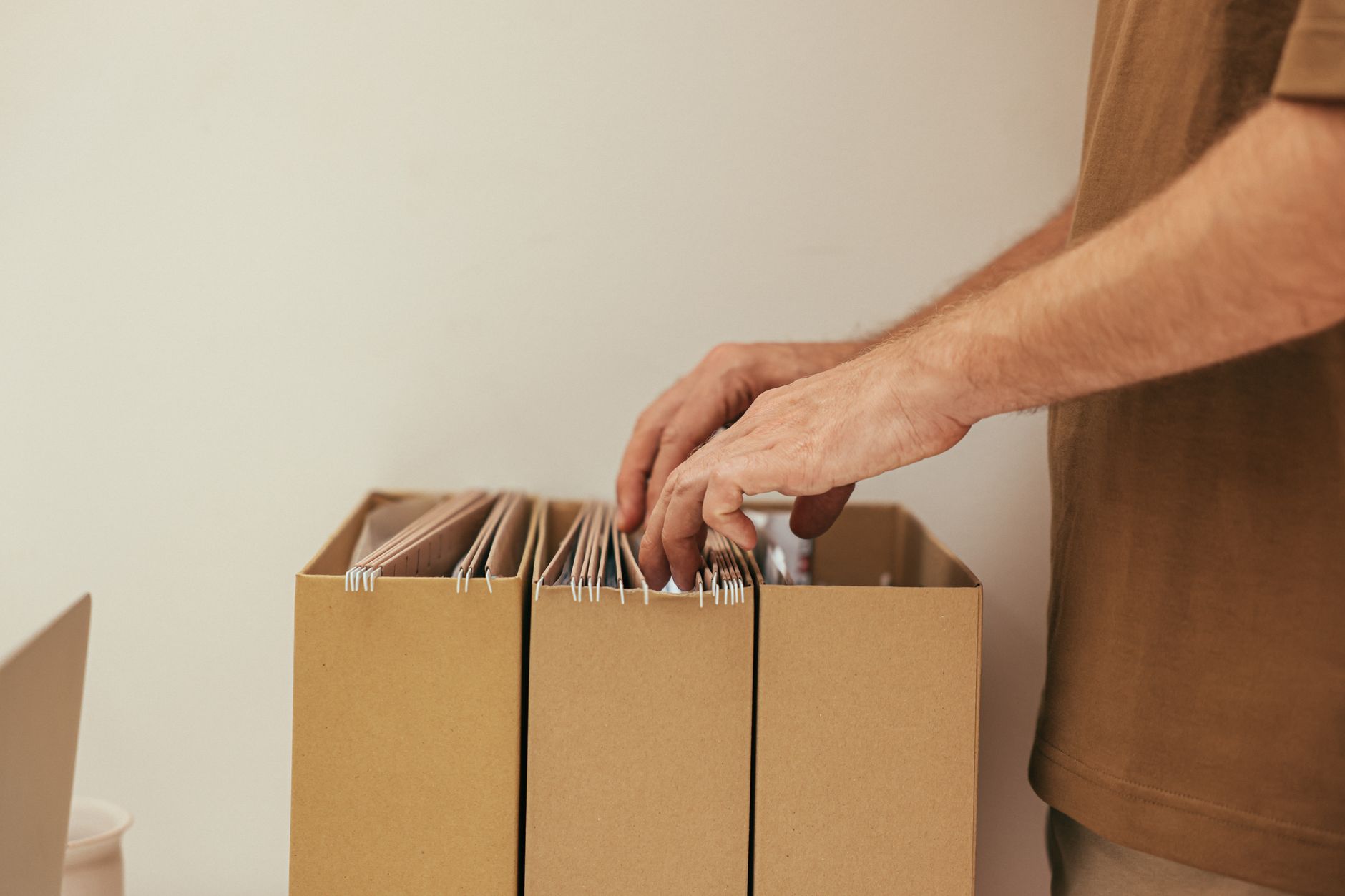
- Triage the mountain first. Three piles: scan-and-shred (receipts, bills, warranties), scan-and-keep-original (deeds, certificates, legal papers), straight-to-shred (years-old statements that exist online). The fourth pile, nostalgia, stays physical by permission, not by guilt.
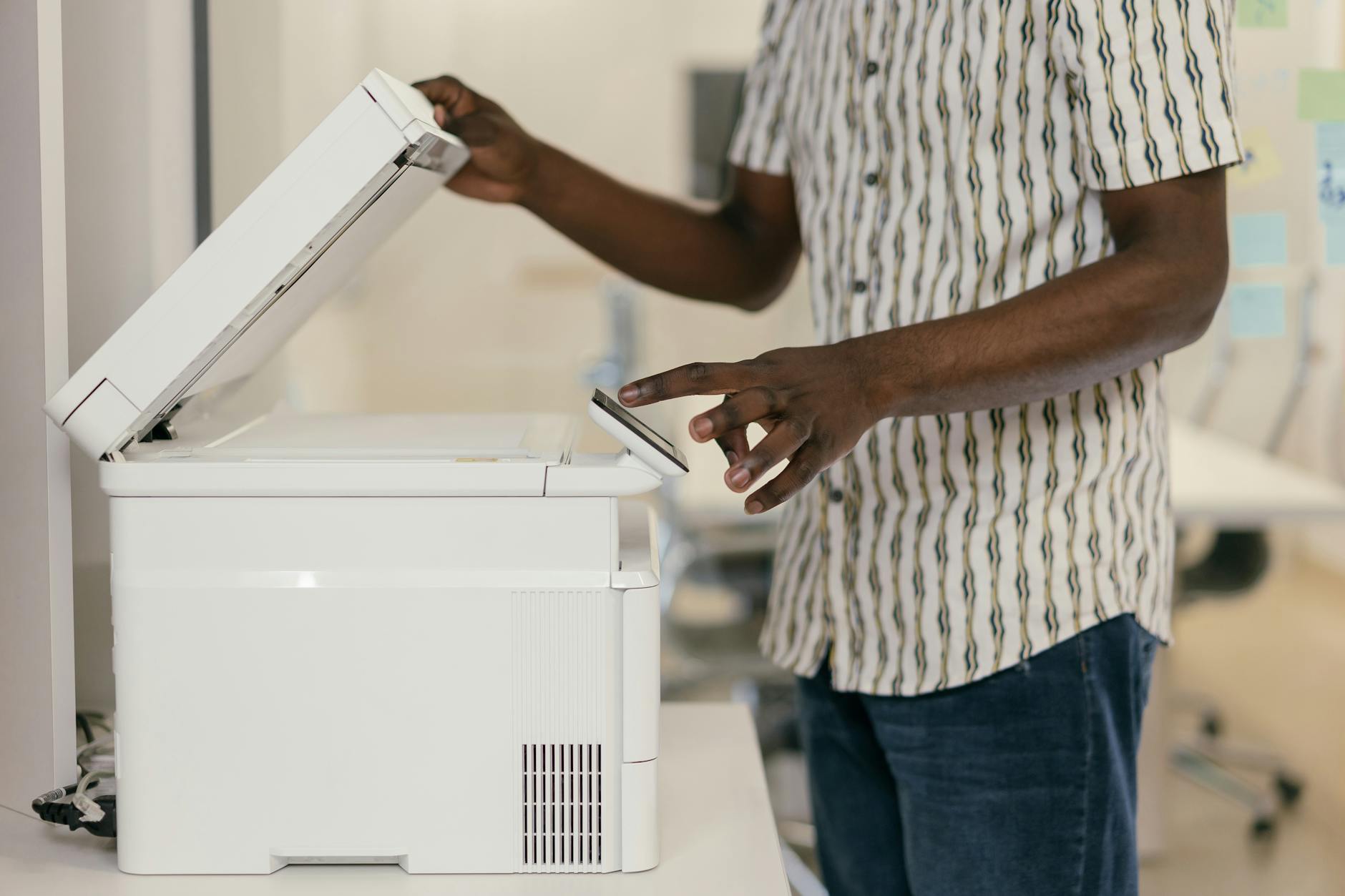
- Scan like a machine. The phone camera with a scanning mode (Google Drive's scan button, iPhone Notes' document scan, or Microsoft Lens) flattens, crops and enhances: lay documents near a window on a dark surface and pages capture in two seconds each. A shoebox scan-rate runs thirty pages per fifteen minutes.
- Name files so search finds them. The naming formula outperforms folders: YYYY-MM-DD_sender_subject (2026-03-14_ACME_warranty). Dates sort chronologically forever, sender names search instantly, and consistency beats creativity every single time.
- Build five folders, not fifty. Finance, Home, Medical, Work, Personal: documents file into exactly one each, deep nesting is where digital papers go to die. Modern search (drives index document text) finds anything: folders exist for browse-comfort, search does the finding.
- Photograph the fragile now. Wallet contents, appliance serial numbers, passport, parking locations: the paperless doctrine includes photos of physical things. Five minutes of shooting saves the someday disaster's reconstruction nightmare.
- Ritualize the inbox. One 'To-File' inbox folder catches everything scanned; Friday's ten minutes files them by formula. Paperless systems fail by accumulation, not design, the weekly ten minutes is the entire maintenance cost.
A few things worth knowing
- Shred with sensitivity: cross-cut for account numbers, recycling for menus, the distinction takes no extra time.
- Backup the folder: cloud drives sync, and a yearly full export to an external drive closes the loop.
- OCR means photographed text becomes searchable text: modern drives index automatically, write clean scans and search 'policy number' not folder names.
Quick answers
Are phone scans legally acceptable copies?
For taxes, warranties, and most records: yes, quality scans satisfy ordinary requirements; notarized or original-demanding processes (wills, deeds) keep their paper.
Which cloud drive?
The one you already use: search quality and phone integration matter more than brand, consistency across years beats switching horses.
Keep reading
- Tab Hoarder? How to Manage 100+ Open Tabs Without Losing Your Mind (Or Your Work)
- How to Focus at Home When Every Room Is Noisy: Simple Tips
- How to Set Up a Desk for Better Posture and Focus at Home
One weekend, five folders, a naming formula, and Friday's ten minutes: the drawer of doom becomes a search bar.
