Twelve thousand photos, zero organization: finding 'that one from the beach with the dog' takes longer than the vacation did.
The fix is a one weekend system plus weekly five minute maintenance. Faces, albums and favorites do the remembering for you from then on.
What trips people up
- Don't reorganize AND migrate at the same time: one campaign per weekend, or everything stays half done forever.
- Letting backup lag: an organized library resting on a single device is a museum without insurance.
The steps, start to finish
- Declare one home for everything. All photos live in ONE app with cloud backup: Google Photos or Apple Photos, choose per your ecosystem. Fragmentation (some here, some in WhatsApp folders, some on a hard drive from 2019) is the disease; consolidation is the cure.
- Tame the archive with a ruthless delete pass. Duplicates, screenshots of directions, 14 burst frames of a blink: both apps flag duplicates and clutter automatically now (Google's photo stacks and utilities, Apple's Duplicates album). One aggressive pass halves the noise permanently.
- Name the faces, unlock the magic. Both apps group photos by face automatically: spend twenty minutes naming the important people. Forever after, 'Maya' typed in search surfaces every photo of her, even unlabeled ones from years ago. It's the closest thing to magic in personal computing.
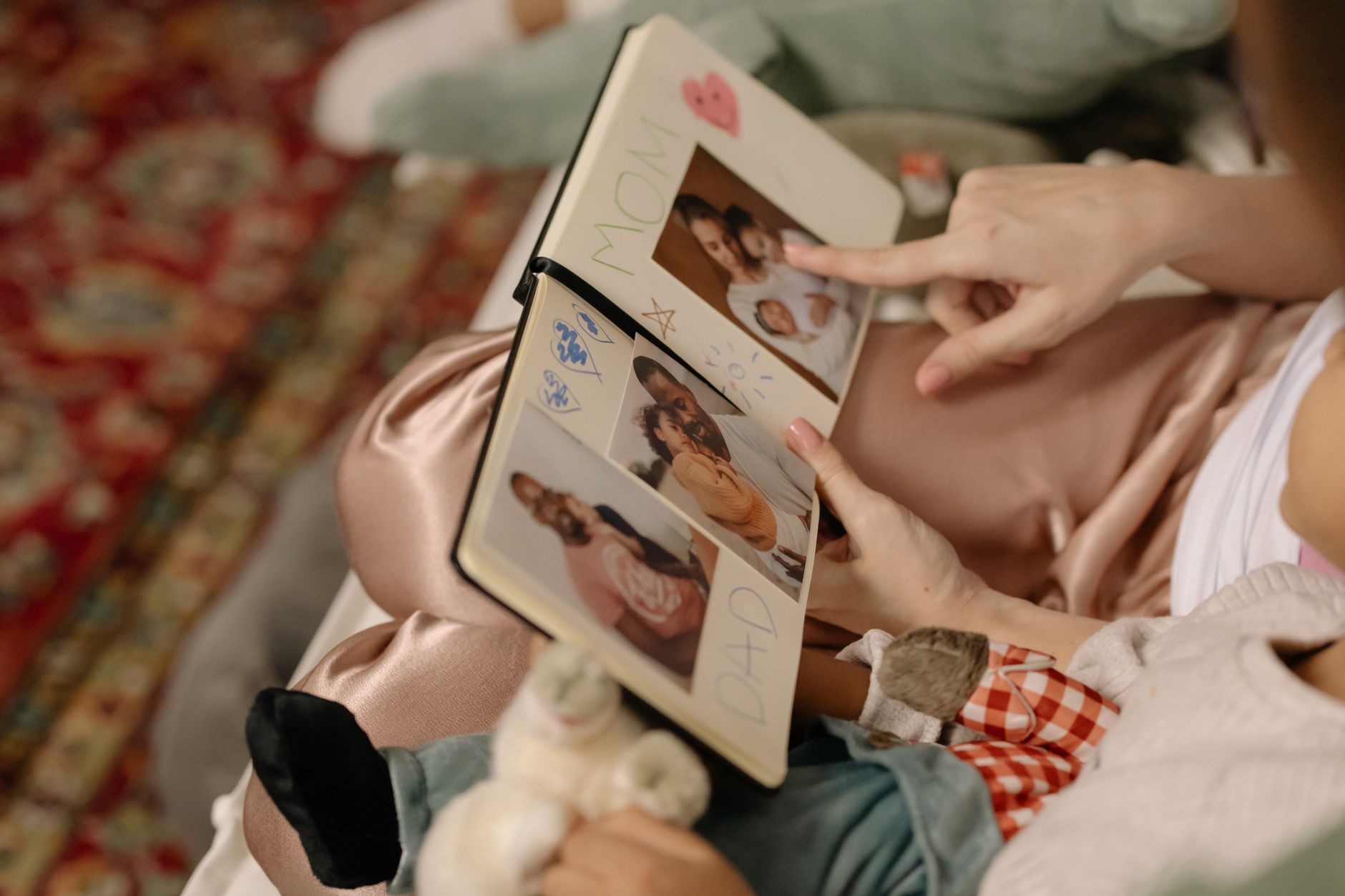
- Albums for projects, favorites for life. Albums group events and projects deliberately (per trip, per kid year, per home renovation). Favorites (heart/star one tap) mark the best shots as they happen: the yearly photo book or the 'show grandma' folder builds itself.
- Use search like it's Google (because it is). Type 'beach', 'dog', 'birthday cake', 'Barcelona 2023': computer vision reads content, places and dates without any tagging from you. With faces named too, 'Maya at lake' works. Your library is smarter than the folder system you never built.
- Dates print nicely: 'march 2024' or 'christmas 2022'
- Objects mostly beat scenes in accuracy: 'cake' yes, 'happiness' no
- The weekly five minute habit. Sunday night: favorite the week's keepers, delete the accidental pocket shots, create the album if a real event happened. Maintenance at five minutes weekly beats archaeology projects yearly.
Small tweaks, big difference
- Shared albums for families: one album everyone adds to after gatherings, ending the 'send me the photos' ritual forever.
- The yearly ritual: pick 50 favorites from each family album and print a photo book, physical artifacts beat libraries in every emotional metric.
- WhatsApp and messaging photos auto save to your gallery: in app settings, stop the garbage inflow at the faucet.
Before you ask
Google or Apple for the long term?
Both are decade durable. Google wins search and cross platform, Apple wins device photos harmony in its ecosystem. Choose the phone world you're staying in, loyalty pays here.
What about old photos on hard drives?
Import them into the same library: both apps ingest folders and attach approximate dates, merging the archive era with the phone era.
Keep reading
- How to Write Emails With AI Without Sounding Like a Robot
- Telegram for Beginners: Channels, Groups, and the Features WhatsApp Doesn't Have
- How to Make Chrome Your Default Browser (Windows, Mac, Android, iPhone)
The short version
One library, one delete pass, faces named, albums for events, heart for keepers, five minutes weekly. Future you will find anything in seconds and cry at the photo book cover.
