The console in the living room is a store, a chat room and a screen-time portal wearing a game machine's costume. Every modern console ships with serious parental controls, most gathering dust.
Updated August 15, 2026, after a fresh review, with updated visuals and links.
Twenty minutes per console sets spending locks, play windows and content ratings, with the family intact afterward. Console by console, here's the system.

Where people go wrong
- Birthday lies at account creation: age baked wrong at signup disables the protections quietly, audit the account birthdate once.
- Locking everything except the one vector that mattered: the browser app, the phone's Discord, review the whole horseshoe of adjacent apps.
Doing it properly
- PlayStation: the family hierarchy. Settings, Family and Parental Controls: the adult account becomes Family Manager, the child's account joins as a member. In the PS App or web console you then set age-level content ratings, monthly spending allowances (zero is a number), and playtime windows per child, enforced even when you're not home.
- Xbox: the Microsoft family system. Create the family group at account.microsoft.com/family: child accounts added there inherit controls across console and Windows PCs alike, one policy covering both ecosystems. Screen time schedules, content filters, and purchase approval requests land as phone notifications with one-tap yes or no.
- Nintendo Switch: the best app in the business. Nintendo's Parental Controls phone app pairs with the console and sets daily playtime with a bedtime alarm, game ratings by title, and social-feature restrictions. The cherry on top: monthly play reports showing what they actually played, conversation fuel par excellence.
- Universal: kill the store's silent access. Whichever console: login required for purchases, wallet balance not card-on-file if you can manage it, and approval flows on. The horror stories of thousand-dollar finger-slip bills all share one ancestor: a saved card without a confirmation.
- Set communication boundaries. Voice and text chat with strangers configures separately from gameplay ratings: friend-only communication for younger kids, everyone for teens with coaching. Review privacy defaults once, consoles ship social features enabled optimistically.
- Make the treaty, not the trap. Show the child the rules screen: what the limits are, when they end, how more time gets negotiated (it should be negotiable). Systems presented openly become household infrastructure; systems discovered secretly become escape rooms, and children are excellent locksmiths.
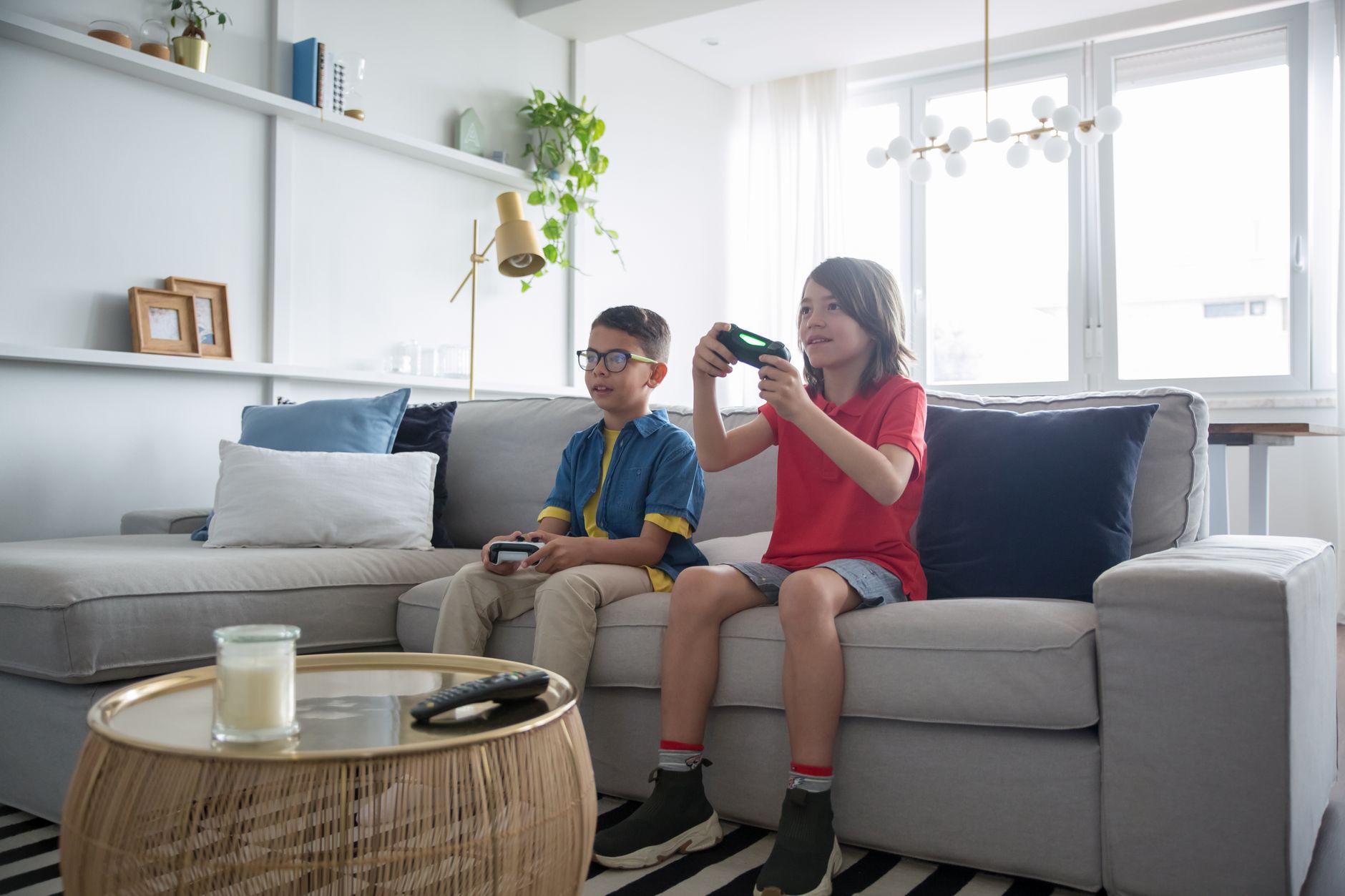
Small tweaks, big difference
- Guest accounts and new local users bypass controls casually: periodic settings audits catch the side door.
- Daylight and weekends differ: every system above supports weekend schedules distinct from school nights, use it rather than renegotiating Sunday.
- Playtime reports double as health signals: escalating solo hours sometimes flag feelings worth a conversation, not just a rule.
FAQ
Can kids just create another account?
Local accounts get restricted by the console-level settings each system offers; lock account creation and the side door closes.
Do controls work across PC and console?
Microsoft's family system uniquely spans both; PlayStation and Nintendo govern their own hardware, so PC gaming needs its own solution in those households.
Keep reading
- Dice Roller and Coin Flip: d4 to d100, Up to 10 Dice (Free Tool)
- How to Play Real Games Without a Console (Cloud Gaming Setup Guide)
- Random Team Splitter: Balanced Groups in One Click (Free Tool)
Wrapping up
Spending locked, windows set, chat friend-only, treaty signed: the console returns to being a toy instead of a development program.
