Deleted the wrong photo and the stomach drops. The good news: Android has several recycling bins working in your favor, and deletion rarely means gone immediately.
Speed matters more than any tool. Work this list in order, from the two-minute checks to the deeper options, and most 'lost' photos come home.
Short version: Check Google Photos Trash first first, then check the gallery and files trash cans. Details below.
Doing it properly
- Check Google Photos Trash first. Photos app, Collections or Library, Trash (Bin): deleted items live here 60 days if backup was on, 30 typically if not. One tap restores them to exactly where they were. This single folder reverses the majority of heart-stopping deletions.
- Check the gallery and files trash cans. Samsung Gallery has its own Recycle bin (Menu, Trash), and Files by Google keeps a Trash folder for 30 days too. Manufacturers layered multiple safety nets: check each app you actually deleted from.
- Look in cloud copy land. If the item ever synced, check your cloud drives' trash too: Google Drive, OneDrive, Dropbox all keep deleted items for weeks. WhatsApp photos rescued? Browse the WhatsApp Media folder in Files, deletions from the gallery often leave the app's folder untouched.
- The golden rule for deeper recovery. If the bins fail and the file matters deeply: stop using the phone. Every new photo and app download can overwrite the freed space where your file still physically sits. Airplane mode, minimal taps, and move to a computer-based attempt promptly.
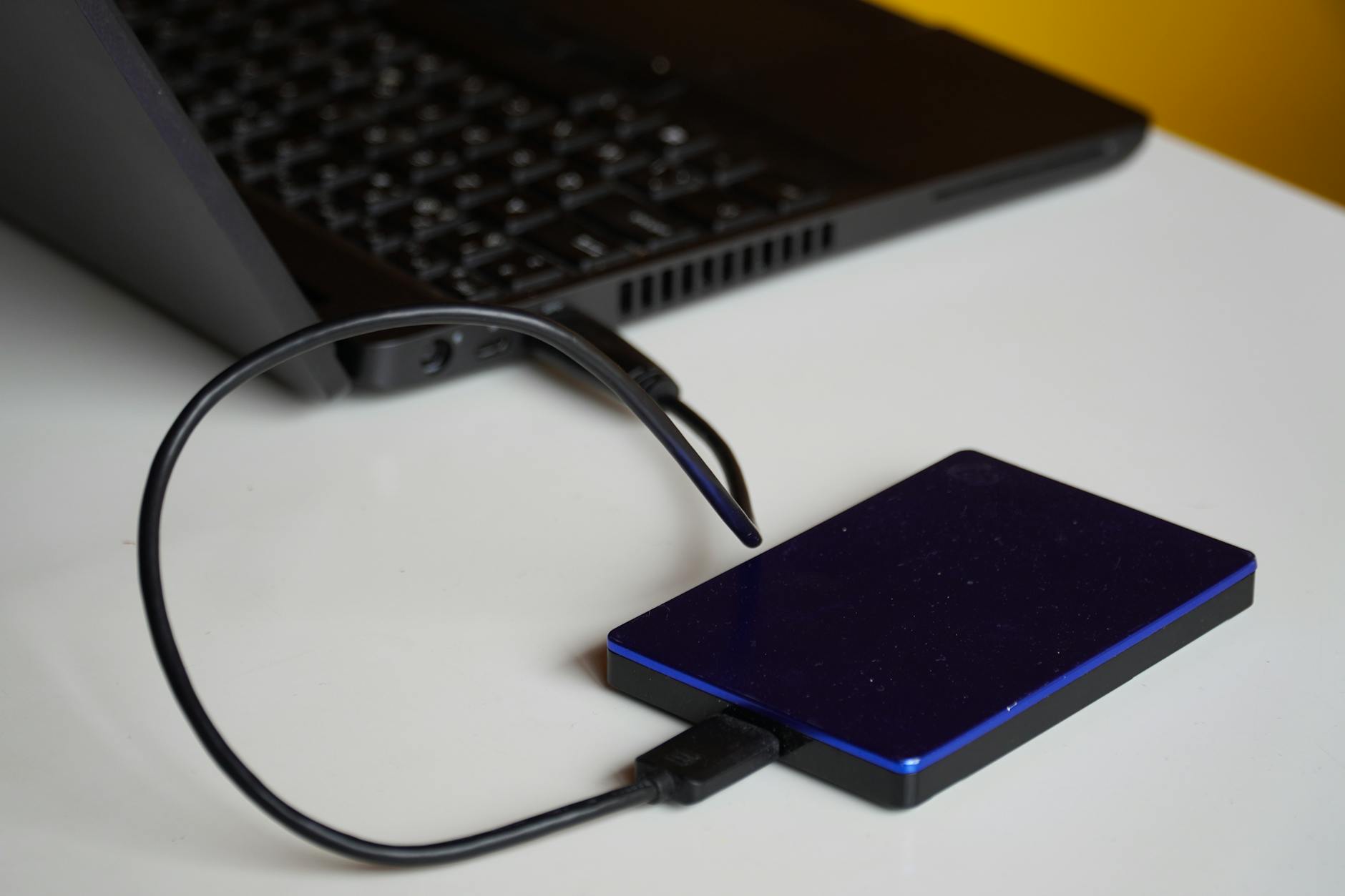
- Computer recovery tools, honestly framed. On modern encrypted phones, deep undelete mostly works for files on SD cards: remove the card, use recovery software (Recuva or PhotoRec class) on a PC from a card reader, recover to the computer never back onto the card. Internal storage of encrypted phones without root largely resists this, set expectations accordingly.
- Then build the prevention stack. Google Photos backup on, plus a second copy (computer or drive) for the truly irreplaceable. Recovery today is luck; backup from tomorrow is a system, and the five minutes it takes beats every tool on this list.

Pro tips without the attitude
- Screenshot reflex: for paperwork and tickets, photo plus screenshot double-record survives both app and human error.
- SD card users: move critical photos off periodically, cards fail quietly and cheap ones fail loudly at the worst moment.
- File manager permanent deletes often skip trash: know which apps actually offer a bin before trusting it.
Before you ask
Are permanently deleted photos really gone?
After trash expiry (30 to 60 days) on encrypted internal storage, effectively yes for normal users: which is precisely why the two-backup habit matters more than any recovery trick.
Can I recover deleted WhatsApp messages?
Only if they existed in a WhatsApp backup from before deletion: check Settings, Chats, Chat backup dates, restore decisions follow from what you find there.
Keep reading
- How to Set Up Gemini as Your Android Assistant (And Use Its Screen-Aware Powers)
- Why Your Android Charges Slowly (And How to Get Full Fast-Charging Speed Back)
- How to Set Up a Smart Security Camera (Placement, Privacy, and Avoiding the Subscription Trap)
Trash folders first, cloud copies second, airplane mode third: and after the rescue, backups so the sequel never gets made.
